
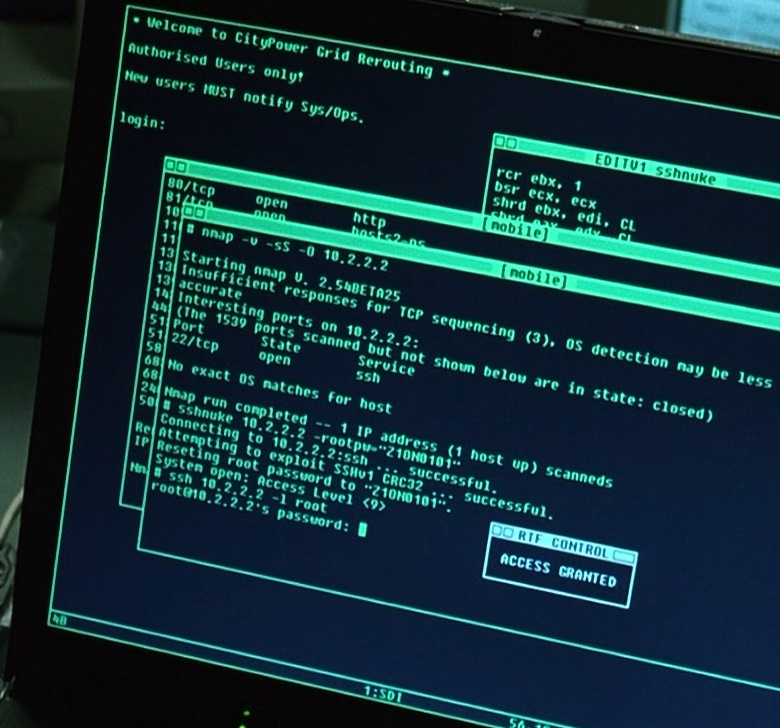
In this article I will show you how to organize an ssh tunnel from a computer running Windows. The server can be a computer with Linux on board, or your router. If the router from the box does not support SSH, then you can put custom firmware and most likely it will support SSH. It’s…

How did I struggle with the task scheduler service WebSitePanel
We received an application from the user that they stopped working in WebSitePanel scheduled tasks. When stopped working is not known. Most likely, when we updated the panel to the new version (from 2.0 to 2.1). In the new version of the panel, the developers decided to bring the Task Scheduler service to a separate…

Remote control of a Windows computer from the command line
Hello. Sometimes there are tasks when you need to do something on a remote computer, or there is no possibility to connect via RDP, for example, if the server is suddenly heavily loaded, and it does not have enough resources to start the terminal session (yes, I have met, do not say That often, but…
How to remove a service in Windows
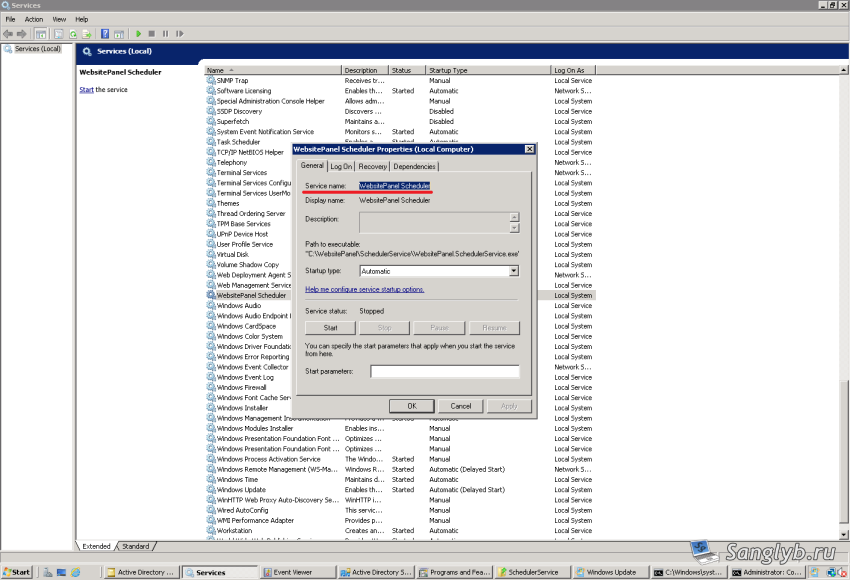
Sometimes it is necessary to remove this or that service in Windows OS, for this you need: Start the services.msc snap-in (win + r, type services.msc) and go to the properties of the required service, and see its name. After that, start the command line as administrator and type the command: sc delete "имя_службы"

Configuring Plex
In the last article I showed how you can install PlexMediaServer on Ubuntu. Today I will show you how to configure it. Enter the address in the browser – 127.0.0.1:32400/web or, if you are connecting from a remote computer, you need to change 127.0.0.1 to the server address. A window with the license agreement opens,…
How to disable UAC in Windows
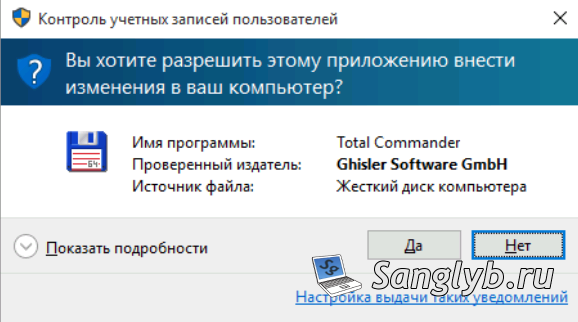
User Account Control (UAC) is when a computer needs administrator rights, it asks the user for permission, it looks something like this: You can disable UAC in several ways: 1) From the control panel: Go to the control panel, go to user accounts In the window that opens, click – change the settings for User…

How to disable automatic Windows update
Today I’ll show you how to disable automatic Windows update. I do not recommend this, but there are different situations. So, go to the control panel – Windows Update: We press the parameter setting, and in the drop-down menu we choose not to check for updates, click OK. Also, you can disable the updates through…

How to open all selected files in Total Commander
Sometimes it is necessary to open all selected files in Total Commander, for example, when searching by content, that would edit these files. To do this you need to add an icon to the toolbar total commander. To do this, right-click next to the icons and click Edit. In the window that opens, click Add,…
How to take a screenshot
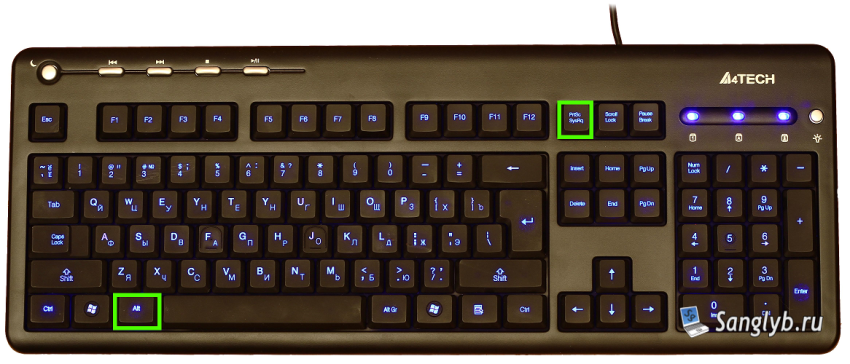
I’ve found here that many people do not know how to make a screenshot on the computer. I decided to write how to do it. The procedure is simple to disgrace: in order to take a picture of the whole screen, you need to press the PrintScreen key on the keyboard. To make a screenshot…
How to disable the password when you exit Windows sleep mode
In the last article, I told you how you can remove the password when you log on to Windows. Today I’ll show you how you can turn off the password when you leave the sleep mode on computers running Windows. To do this, go to the control panel, go to the power menu, on the…