
Another interesting task came up, which is a continuation of one of the previous ones. It was necessary to create a script that would remove attachments from old past meetings. The script is based on the same approach as before — attachments will be removed using EWS. Accordingly, the account running the script must have…

How to Collect Statistics on User Calendar Events Using a Script?
Recently, I received a highly non-standard request — a client with Exchange Server 2016 and Skype for Business 2015 needed to collect statistics on user calendar meetings. The goal was to gather data on what meetings were scheduled, who was the organizer and who the participants were, whether any attachments were included in the meeting…

How to Audit Seafile: SQL Scripts to Get User, Repository and Access Information
I needed to audit a personal Seafile cloud storage instance. Unfortunately, the web interface doesn’t provide a convenient way to export lists of users, repositories, etc. all at once. Therefore, I decided to extract all necessary information directly from the databases, as the structure is simple and there aren’t too many tables. While the built-in API could have been used, in this case I found the direct database approach simpler.
Analyzing SMTP Logs in Microsoft Exchange with PowerShell
Some time ago, it became necessary to significantly modify the default Microsoft Exchange 2016 connectors related to authentication. After making these changes, it was essential to ensure they were functioning correctly and identify potentially problematic clients. To achieve this, I created a small script to analyze logs from all Exchange servers in the organization. I decided to save it here, as it can be useful to have an example of large-scale data collection from multiple servers at hand.
How to Find Emails in Exchange by Keyword in All Mailboxes
Sometimes there’s a need to find an email in Exchange by keyword, but it’s unclear in which mailboxes it may be located. In such cases, you can perform a search across all mailboxes. This guide will show you how to do this, as well as how to set up administrator permissions for the search. 1….
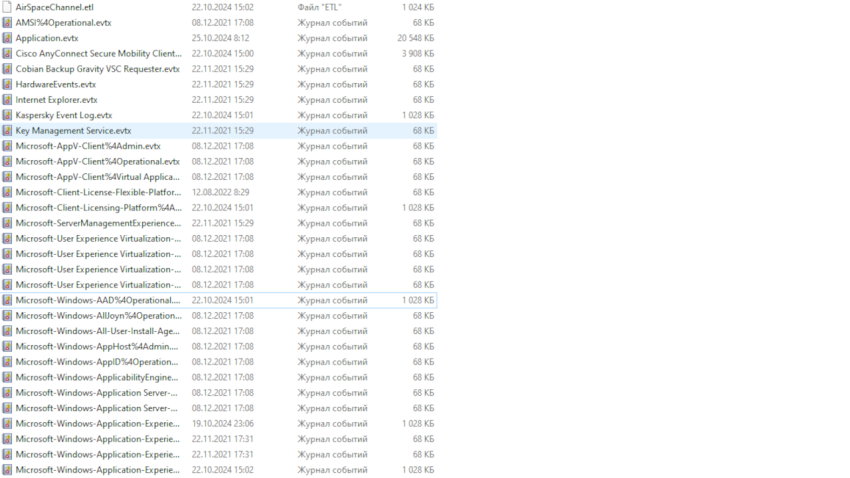
How to Combine All Windows Logs into One File: A Simple Guide
When diagnosing issues on Windows, you may need to analyze multiple event log files at once. Reviewing each file individually can take a lot of time. In this article, we’ll explain how to combine all Windows logs into one file to make it easier to find the information you need. Why Is Combining Windows Logs…

How to Check Password Expiry Date in Active Directory
In this note, we’ll look at the command to check the password expiry date in Active Directory (AD). PowerShell Command to Check Password Expiry Date To find out the password expiry date, use the following PowerShell command: Replace username with the desired user name. Why net user Might Show Incorrect Date Many are used to…

Automated password change of the account in the Windows Task Scheduler
When the need arises to change the password of the service account, on behalf of which tasks are operated in the Windows Task Scheduler, especially if there are many tasks, you might want to simplify this process. In this short note, I will show you how to do it quickly and easily. A Simple Solution…

Audit and Password Cracking in Active Directory: Steps and Tools
Hello! Today, we will discuss an important topic – password security checking in Active Directory. Why is this necessary? Because secure passwords are the key to your organization’s security. In this article, you will learn how administrators and information security specialists can ensure the effectiveness of password policies and detect weak passwords. Step 1: Prerequisites:…

Troubleshooting Email Deletion Errors After Exchange and WebSitePanel Updates
Encountering email deletion errors following Exchange or WebSitePanel updates? This comprehensive guide will assist you in swiftly resolving the issue. Identifying Problematic Mailboxes: Recent updates have triggered a crucial parameter shift – “UseDatabaseQuotaDefaults” is now set to “false,” inadvertently setting “RecoverableItemsQuota” and “RecoverableItemsWarningQuota” to 0 bytes. This triggers the frustrating deletion error. To locate mailboxes…