

Dealing with a perplexing bug in your PrestaShop online store’s admin panel? You’re not alone. In this blog post, we’ll explore a common issue where the “Save” and “Save and Stay” buttons appear stuck in a never-ending loading loop when attempting to add products. We’ll dissect the root cause and provide a clear, step-by-step solution…

Simplify Virtual Machine Creation for Web Hosting Control Panels
In a previous article, we explored the power of the sysprep utility for Windows virtual machine creation. Today, we’ll delve deeper, focusing on how to create a custom virtual machine template tailored specifically for Web Hosting Control Panels, with WebSitePanel as our example Mastering the Process: Just like before, our journey begins with the essentials:…

Troubleshooting Email Deletion Errors After Exchange and WebSitePanel Updates
Encountering email deletion errors following Exchange or WebSitePanel updates? This comprehensive guide will assist you in swiftly resolving the issue. Identifying Problematic Mailboxes: Recent updates have triggered a crucial parameter shift – “UseDatabaseQuotaDefaults” is now set to “false,” inadvertently setting “RecoverableItemsQuota” and “RecoverableItemsWarningQuota” to 0 bytes. This triggers the frustrating deletion error. To locate mailboxes…

The Ultimate Guide to Website Backup and FTP Transfer: A Step-by-Step Tutorial
In the world of websites, one aspect that often gets overlooked but is critically important is website backup. Ensuring that you have reliable backup procedures in place can be a lifesaver in case of unexpected issues, such as server crashes, data corruption, or security breaches. In this comprehensive guide, we will walk you through the…
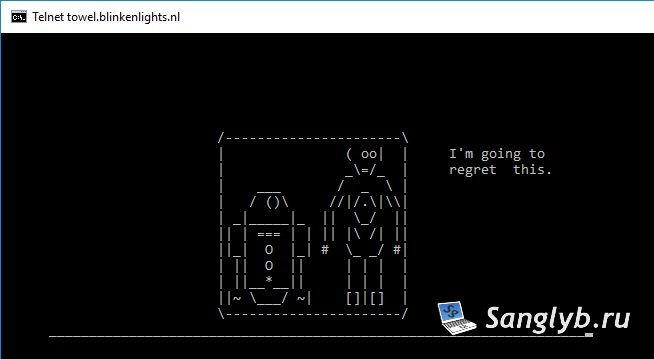
Watch Star Wars in Your Terminal: A Fun Linux and Windows Hack
Have you ever wanted to watch Star Wars in a way you’ve never experienced before? We’ve got a fantastic hack for you! In this post, we’ll show you how to watch Star Wars right from your Linux terminal or Windows command line. It’s a fun and quirky way to enjoy the epic saga like never…

Mastering Game Streaming and Screen Recording on Ubuntu with OBS
Are you an Ubuntu user looking to up your game in terms of screen recording and game streaming? In this comprehensive guide, we’ll walk you through the steps to harness the full potential of your Ubuntu system for both screen recording and live game streaming. We’ll explore how to use OBS (Open Broadcaster Software) to…
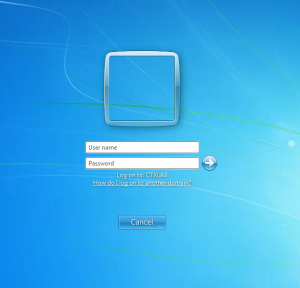
How to Enable Automatic Login on a Domain Computer: A Step-by-Step Guide
In organizations that utilize computers for purposes such as video surveillance, monitoring, or kiosks, having an automatic login system in place can be highly convenient. I’ve previously discussed how to enable automatic login on a home computer, but the process differs for domain-connected machines. However, it’s important to note a security consideration: the user’s password…

How to Add Certificate Chains for SSL Certificates pkcs12 (p12, pfx) Using OpenSSL, how to convert them
When it comes to purchasing SSL certificates, there’s a common challenge—sometimes, the certificate chain is provided separately from the certificate itself. This separation can lead to compatibility issues, as many systems require the complete certificate chain to establish trust. In this guide, we’ll show you how to seamlessly add a certificate chain to your SSL…
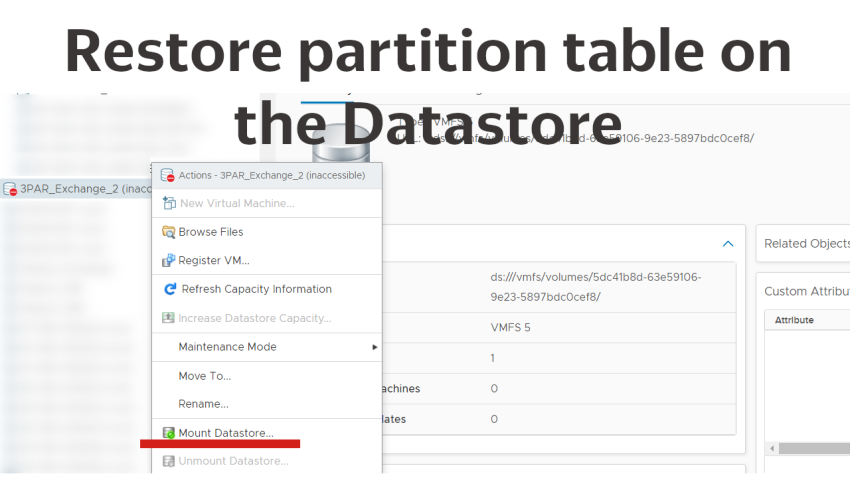
Restoring a datastore in vCenter: A Step-by-Step Guide
Greetings! If you’ve ever dealt with removing a datastore in vCenter, you know the challenge: the partition table on the linked LUN gets wiped out, often leading to the fear of data loss when trying to reconnect the datastore. In this guide, we’ll walk you through a method to potentially restore a partition table without…
Managing local ESXi users with PowerCli
In todays short article, I want to show you a couple of examples of managing local Esxi users, with the help of PowerShell – PowerCli and EsxCli. Connect-VIServer -Server vcenter.some.domain #for example, we want to make some action on all hosts in the cluster $hosts=Get-Cluster ClusterName | Get-VMHost foreach ($vmhost in $hosts){ $esxcli =…