
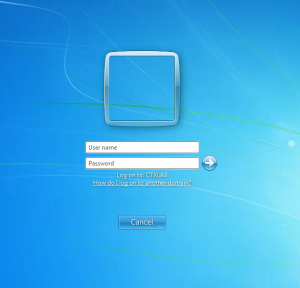
In organizations that utilize computers for purposes such as video surveillance, monitoring, or kiosks, having an automatic login system in place can be highly convenient. I’ve previously discussed how to enable automatic login on a home computer, but the process differs for domain-connected machines. However, it’s important to note a security consideration: the user’s password…

How to Add Certificate Chains for SSL Certificates pkcs12 (p12, pfx) Using OpenSSL, how to convert them
When it comes to purchasing SSL certificates, there’s a common challenge—sometimes, the certificate chain is provided separately from the certificate itself. This separation can lead to compatibility issues, as many systems require the complete certificate chain to establish trust. In this guide, we’ll show you how to seamlessly add a certificate chain to your SSL…
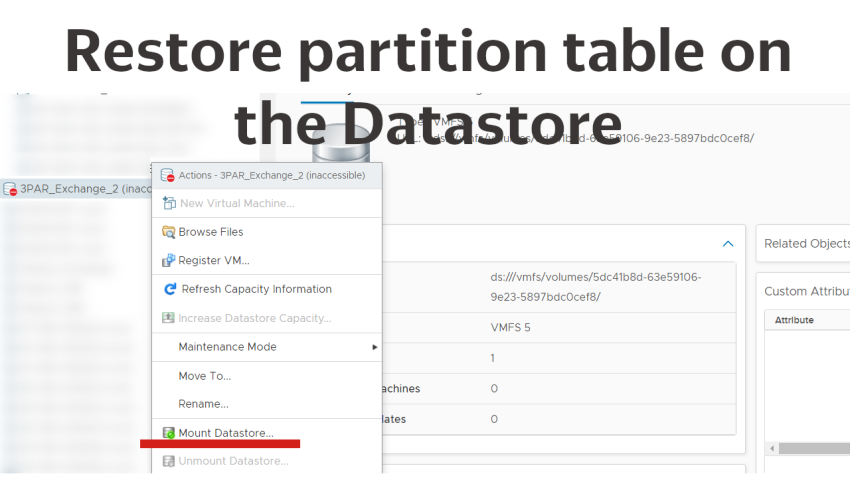
Restoring a datastore in vCenter: A Step-by-Step Guide
Greetings! If you’ve ever dealt with removing a datastore in vCenter, you know the challenge: the partition table on the linked LUN gets wiped out, often leading to the fear of data loss when trying to reconnect the datastore. In this guide, we’ll walk you through a method to potentially restore a partition table without…

Managing local ESXi users with PowerCli
In todays short article, I want to show you a couple of examples of managing local Esxi users, with the help of PowerShell – PowerCli and EsxCli. Connect-VIServer -Server vcenter.some.domain #for example, we want to make some action on all hosts in the cluster $hosts=Get-Cluster ClusterName | Get-VMHost foreach ($vmhost in $hosts){ $esxcli =…
![Ищем, где залогинен пользователь [powershell]](https://www.mytechnote.ru/wp-content/uploads/2023/01/permon-powershell-logo_0.png)
Searching where a user is logged on [PowerShell]
Today I want to show you a simple PowerShell script, that can be used to find on which domain machines a user is logged on currently. Basicaly the script is working like the pslogedon utility, but does not require the remote registry to be enabled on target machines.As usual I’ve uploaded the script to GitHub….

Mail.ru email stopped working on IPhone or IPad, what we can do?
I’ve recently seen than on my IPhone and IPad, email messages stopped delivering and sending in built in mail app suddenly. I’m assuming that the problem may be seen not only on Apple devices, but also on any devices, or to be more accurate with apps, those use standard IMAP and SMTP auth. Possibly, mail.ru…
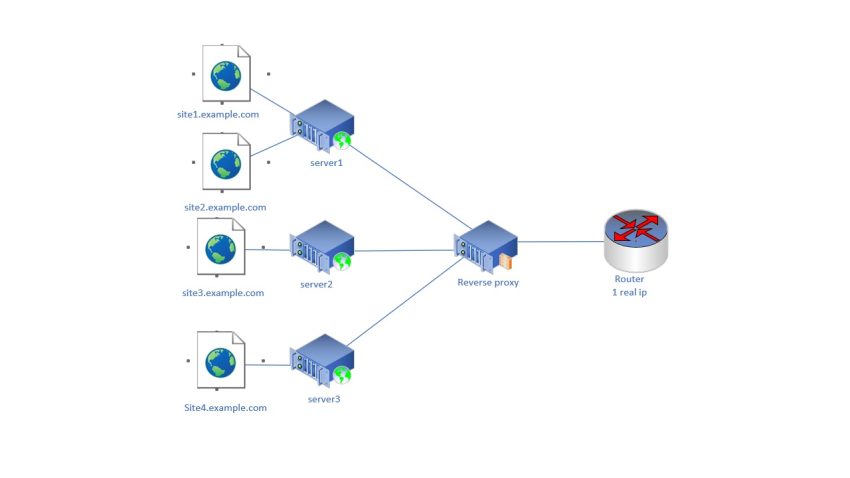
How to easily configure reverse proxy for your sites and other things (Nginx Proxy Manager)
Hi there. I’m sure that many people have a question – how to forward ports on their routers, for make several internal HTTP or HTTPS services working on one external IP address. The question is mostly actual for home and small businesses. And the task can be solved with configuring a reverse proxy. There are…
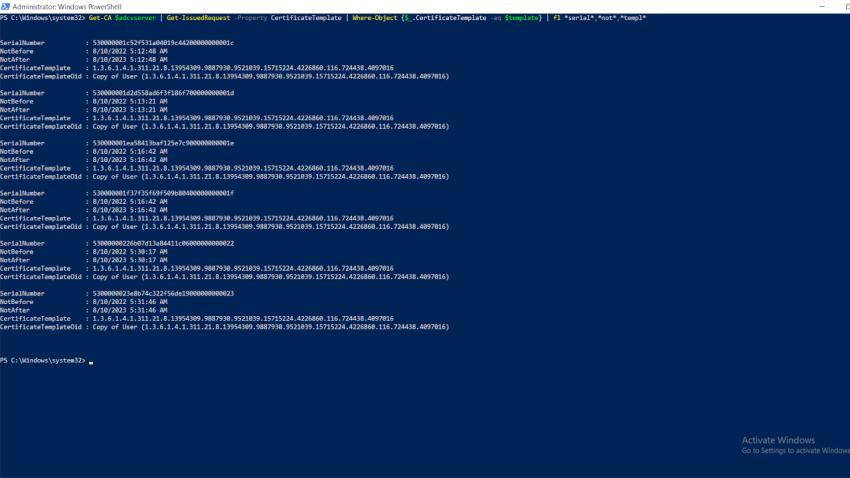
Control AD CS certificates from PowerShell
Today I want to show you several examples of controlling certificates that were published in Active Directory Ceritfication Services, with the help of simple PowerShell commands, on the example of 3 real cases. First of all, you have to have the PSPKI module. You can install it with the command: Install-Module -Name PSPKI Just in…

Lenovo 500 FHD WebCam — a cheap camera which is supported by Windows Hello
Today I suggest you look at a quite interesting webcam whose distinguishing feature is the presence of an infrared camera, so today’s camera can be used to unlock your Windows PC by face, it is supported by Windows Hello. If someone doesn’t know it is some kind of Microsoft analogue to Apple’s FaceID feature. The…

Effortless Task Distribution Across Servers Using PowerShell
The task of distributing a set of scheduled tasks across numerous servers arose. It brought back memories of a time when this could be accomplished through group policies. Although this option is still available, it no longer allows specifying a particular account, especially one with a password, under which the task should be executed. There’s…