Skip to content
www.mytechnote.ru
Menu
  • Administration
    • Scripts
  • Equipment
    • Reviews
    • Instructions
  • Other
  • English
    • English
    • Русский
Menu

Master Remote Desktop in Ubuntu with X2go

Unlock Linux remote desktop access effortlessly using X2go, outpacing xrdp and x11vnc.

Benefits of X2go:

  • X2go utilizes SSH, negating vnc or rdp needs.
  • Swift setup and connection.
  • Optimal for multiple sessions

How to Set Up X2go:

  1. Server Setup:
sudo add-apt-repository ppa:x2go/stable
sudo apt-get update
sudo apt-get install x2goserver x2goserver-xsession
sudo /etc/init.d/x2goserver restart
  1. Switch to LXDE (given Unity issues):
sudo apt-get install lubuntu-core lubuntu-icon-theme lubuntu-restricted-extras

Client Connection:

  • Download the X2go client from their official site.
  • Initiate a “New Session” and input the necessary details.
  • Opt for “LXDE” under session type.
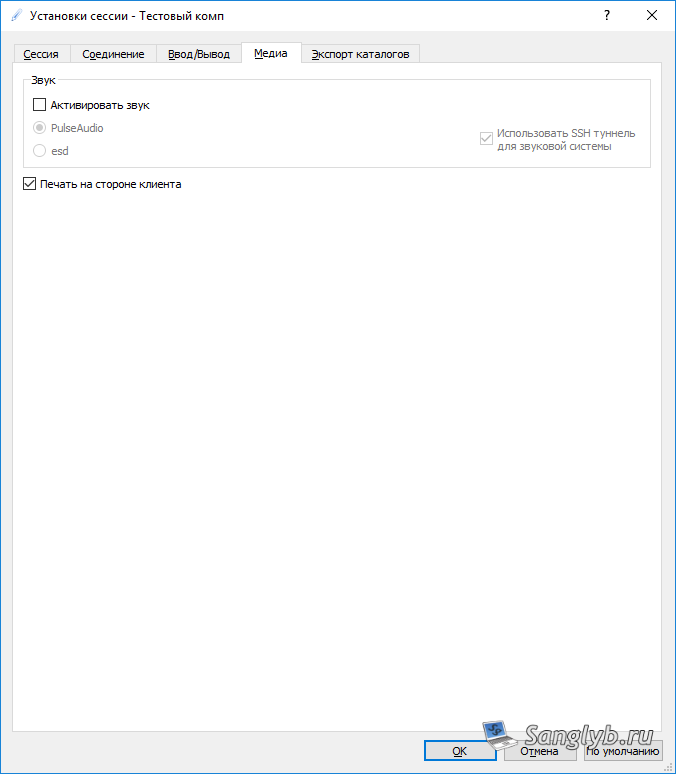
Master Remote Desktop in Ubuntu with X2go - client  connection settings

Master Remote Desktop in Ubuntu with X2go - client  connection settings

Master Remote Desktop in Ubuntu with X2go - client  connection settings

Master Remote Desktop in Ubuntu with X2go - client  connection settings

Master Remote Desktop in Ubuntu with X2go - client  connected

Keyboard Layout on LXDE:

  • Add the “Keyboard Layout Handler” via the bottom panel.
Master Remote Desktop in Ubuntu with X2go - keyboard layout configuration in lxde

Master Remote Desktop in Ubuntu with X2go - keyboard layout configuration in lxde

  • Adjust by right-clicking the layout flag near the clock.
Master Remote Desktop in Ubuntu with X2go - keyboard layout configuration in lxde

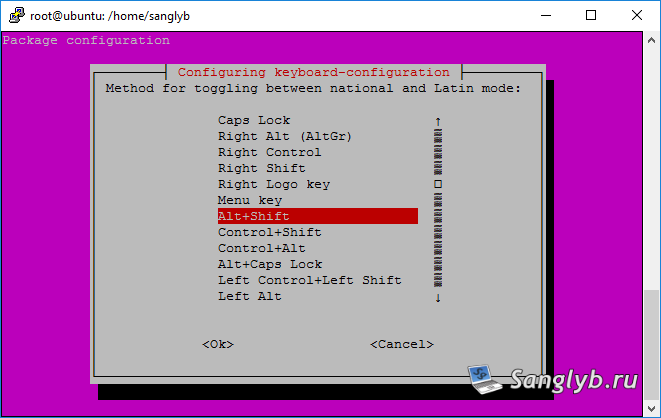
  • Add desired layouts and set key combinations.
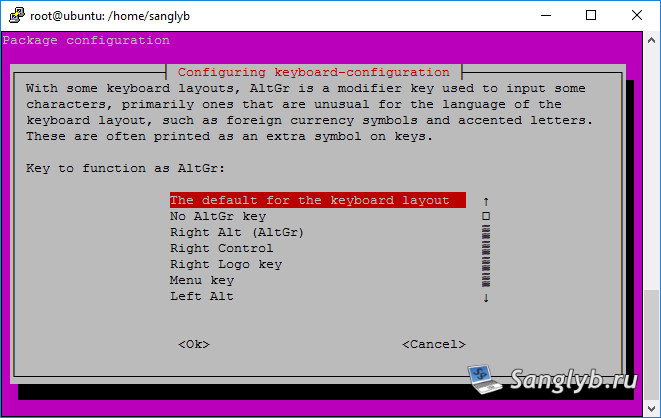
Master Remote Desktop in Ubuntu with X2go - keyboard layout configuration in lxde

Master Remote Desktop in Ubuntu with X2go - keyboard layout configuration in lxde

With X2go, remote desktop access in Ubuntu is simple, efficient, and customizable.

Posted on 04.09.202330.05.2024 by sanglyb

Post navigation

← How to Russify Your Ubuntu Server for Russian Language Support
Ultimate Guide to Removing Software with APT in Ubuntu →

Leave a Reply Cancel reply

Your email address will not be published. Required fields are marked *

Подписывайтесь

Youtube
vk
telegram
github
twitter
rss
  • Форум
  • Об авторе
  • Поддержать автора

Популярные записи

Новые записи

  • How to Extend an LVM Partition in Linux
  • SCCM Reporting Errors After Migrating from SQL Server 2016 to 2019
  • Problem Using PassFiltEx on Older CPUs
  • How to remove attachments from old calendar events in Exchange using a script
  • How to download and install Office 2024 LTSC

Архивы

  • 2026 (3)
  • 2025 (5)
  • 2024 (7)
  • 2023 (30)
  • 2022 (4)
  • 2020 (17)
  • 2017 (82)
  • 2016 (5)
© 2015-2026 www.mytechnote.ru
Использование материалов сайта возможно только с разрешения владельца или обязательна индексируемая, прямая, передающая вес ссылка на материал.