
Sometime there are situations, when you need to make a full copy of data from one hard drive to another, including partitions table, boot sectors and so on. For example if you need to migrate your operating system to the other computer, or when you buy a new hard drive, or for example if old drive have begun to crash and you need to do something to save your data.
There are many ways to resolve this, I will tell you today how to make a full copy of your drive with the help of Acronis True Image.
I think that this way is most simple and reliable.
That programm is not a freeware, but there are free versions for owners of WD and Seagate drives (Seagate calls this programm – Seagate Disk Wizard, by the way), those manufacturer programms have smaller functions then simple acronis version, but ther functions are enough for our purpuses. To install those manufaturer programms there must be installed at least one hard drive from that manufaturer. I will show you the process with full version, but on manufacturer versions the process shouldn’t be much different.
Overall, install a programm. After installation completes, go to tools and click on bootable media creation master.

Select type of bootable media – Acronis bootable media.

On the next pane choose how and where to write the image (in my case I have only ISO option, but also you can choose write to disk or to usb, if you have a writeble drive of usb drive connected to computer.
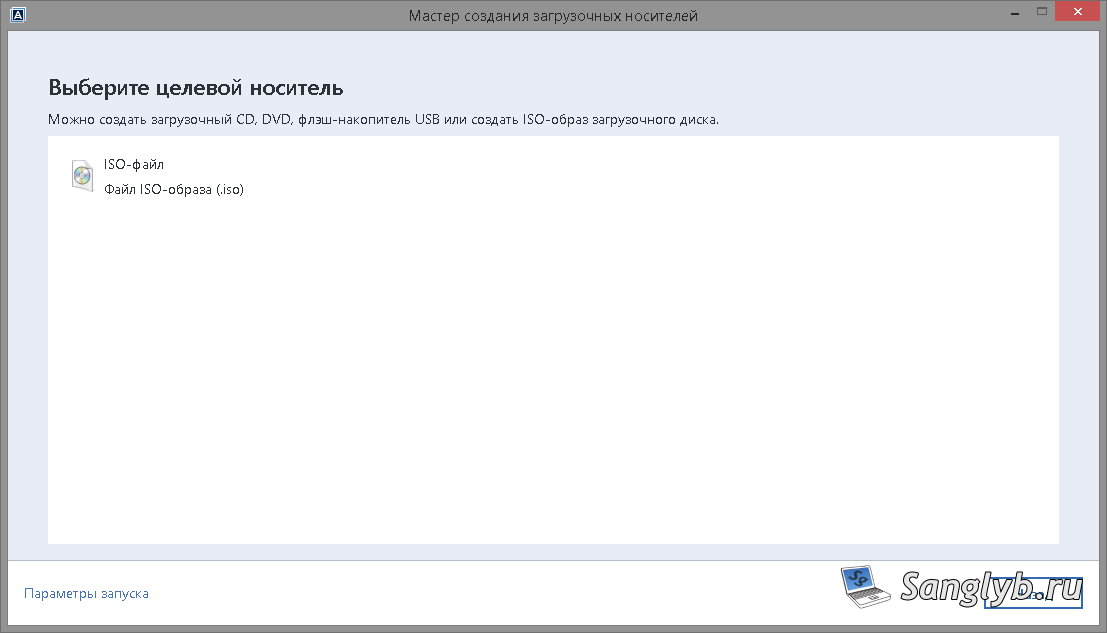
After that write ISO to disk or to usb flash drive, rebbot the computer and boot up from that disk.
When the system will boot up choose Acronis True Image, in opened window go to Utilities and click on disk cloning.
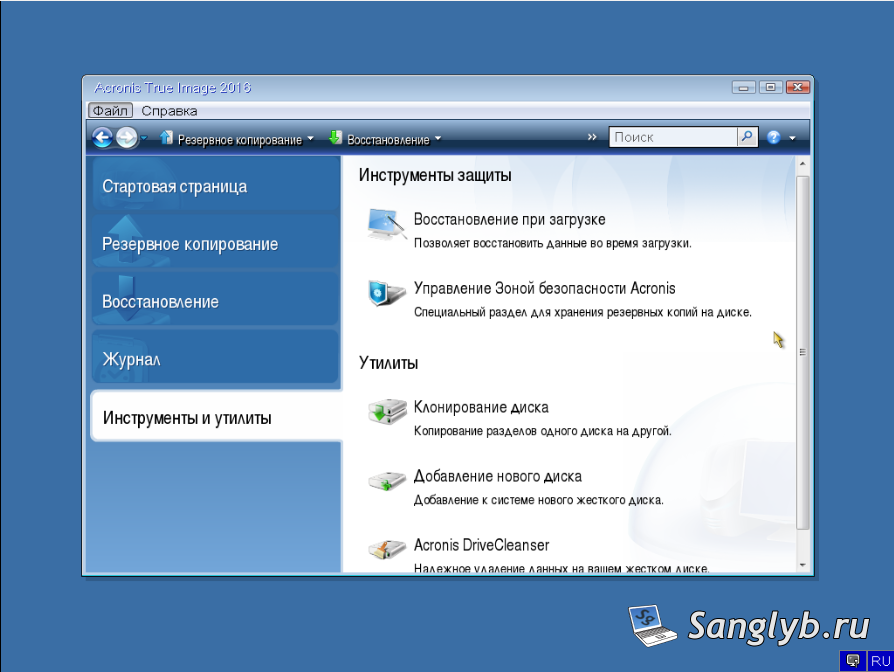
Then you could select simple or manual mode. I prefer manual mode.

Select source drive

And destination disk, where you want to copy your information.
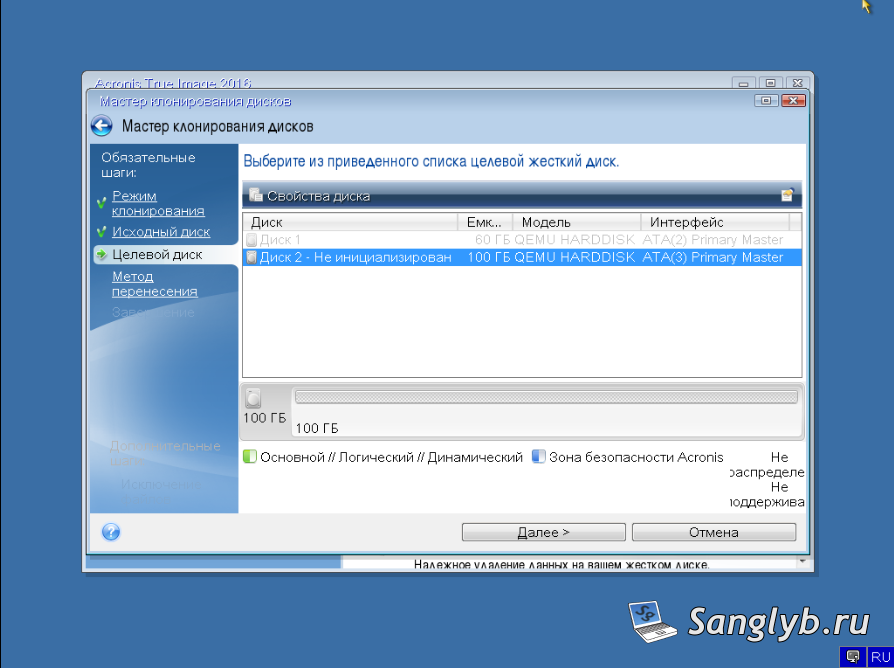
Select should the size of partitions must be changed or not
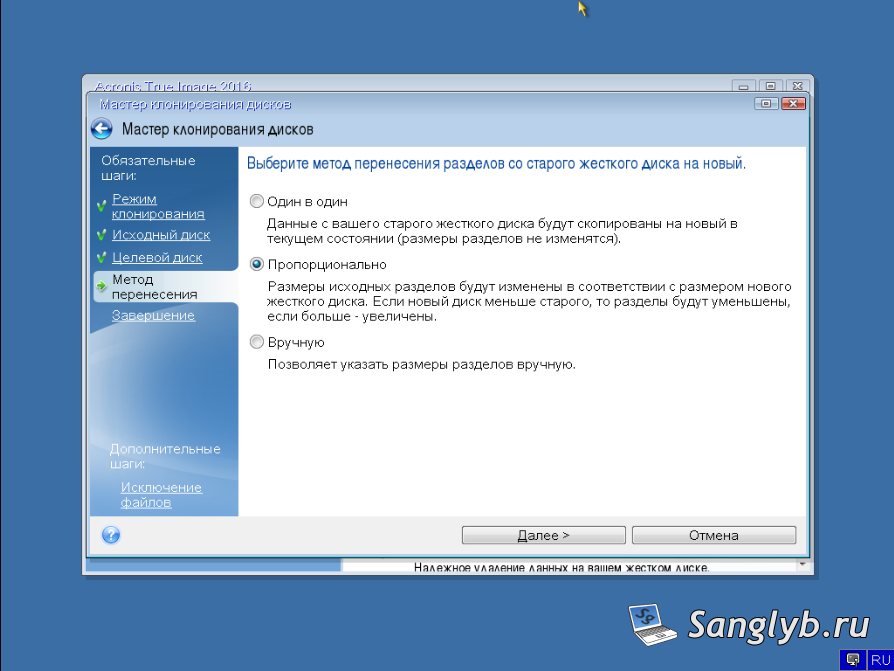
And click start button.
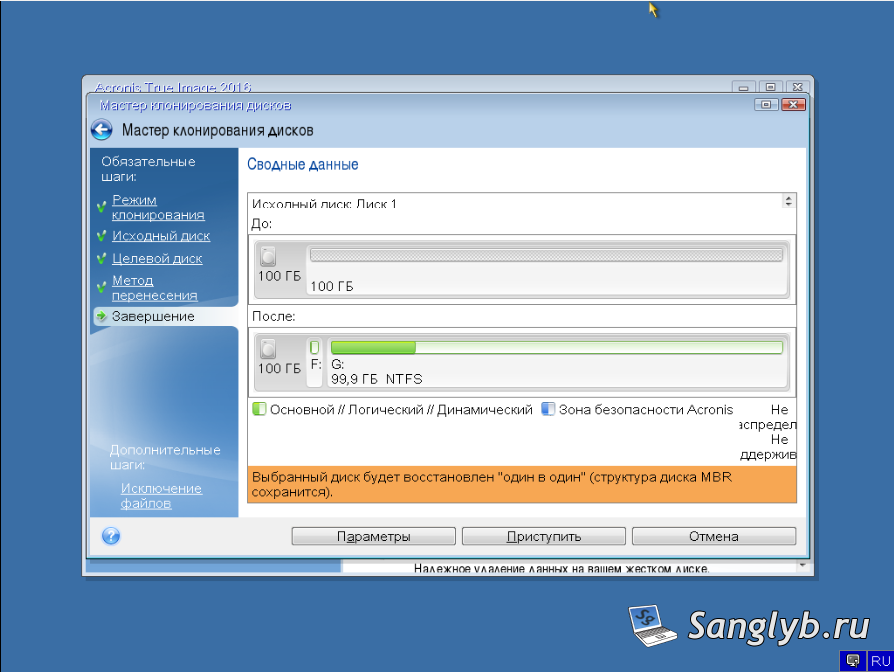
Wait for the end of copying (depending on the size of the source disk, the operation may take a long time). After that you can turn off computer and disconnect source drive. All information already should be copied to the new one.
I have a video on that theme (it is on Russian language):