

I needed to audit a personal Seafile cloud storage instance. Unfortunately, the web interface doesn’t provide a convenient way to export lists of users, repositories, etc. all at once. Therefore, I decided to extract all necessary information directly from the databases, as the structure is simple and there aren’t too many tables. While the built-in API could have been used, in this case I found the direct database approach simpler.
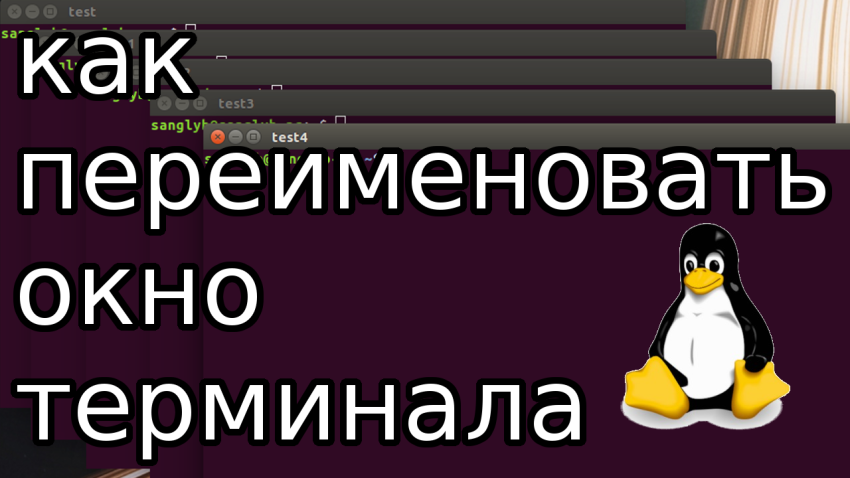
How to Efficiently Rename Your Linux Terminal Windows: A Simple Guide for Ubuntu & CentOS Users
Managing multiple terminal windows in Linux, especially when you have numerous tasks running simultaneously, can quickly become confusing. Have you ever found yourself in a situation where you have ten windows open and they all look identical? If you’re like most Linux users, distinguishing between them can be a challenge. In this guide, we will…

Efficient Backup Scripting: A Guide to Automated Backup Rotation and Management with FTP in Bash
Welcome to our detailed guide on efficient automated backup scripting, aimed to help you manage and safeguard your valuable data. In today’s era, where data is a pivotal asset, having a reliable backup strategy is paramount. By leveraging FTP in Bash scripting, this guide provides a seamless approach to data management and backup rotation. Understanding…

Automating LXC Container Backups: A Step-by-Step Guide
Hello tech enthusiasts! Ever struggled with manual backups for LXC containers? In today’s post, I’ll demonstrate a seamless way to automate LXC container backups, making your life a tad easier. Without further ado, let’s delve into the script that I religiously use for this task: #!/bin/bash SHELL=/bin/bash PATH=/usr/local/sbin:/usr/local/bin:/sbin:/bin:/usr/sbin:/usr/bin DATE=`date +%Y-%m-%d` # The name of the…