
In recent updates, YouTube support was discontinued on Smart TVs manufactured before 2012. The primary reason? These models lacked the necessary html5 support for modern applications. But does this mean you need to buy a new TV or get an Android set-top box? Not necessarily.
If you’re like me, owning a Samsung Smart TV from just before 2012, I have some good news for you. Today, I’ll share a brilliant workaround that lets you watch not just YouTube but virtually any online video on your older TV.
Solution to Watch YouTube on Pre-2012 Smart TVs
The tool of our trade is the “Video & TV Cast | DLNA Player & UPnP Movie Mirror” app available for Android devices.
Step-by-Step Guide:
- Installing the App: Download and install the “Video & TV Cast | DLNA Player & UPnP Movie Mirror” app on your Android device.
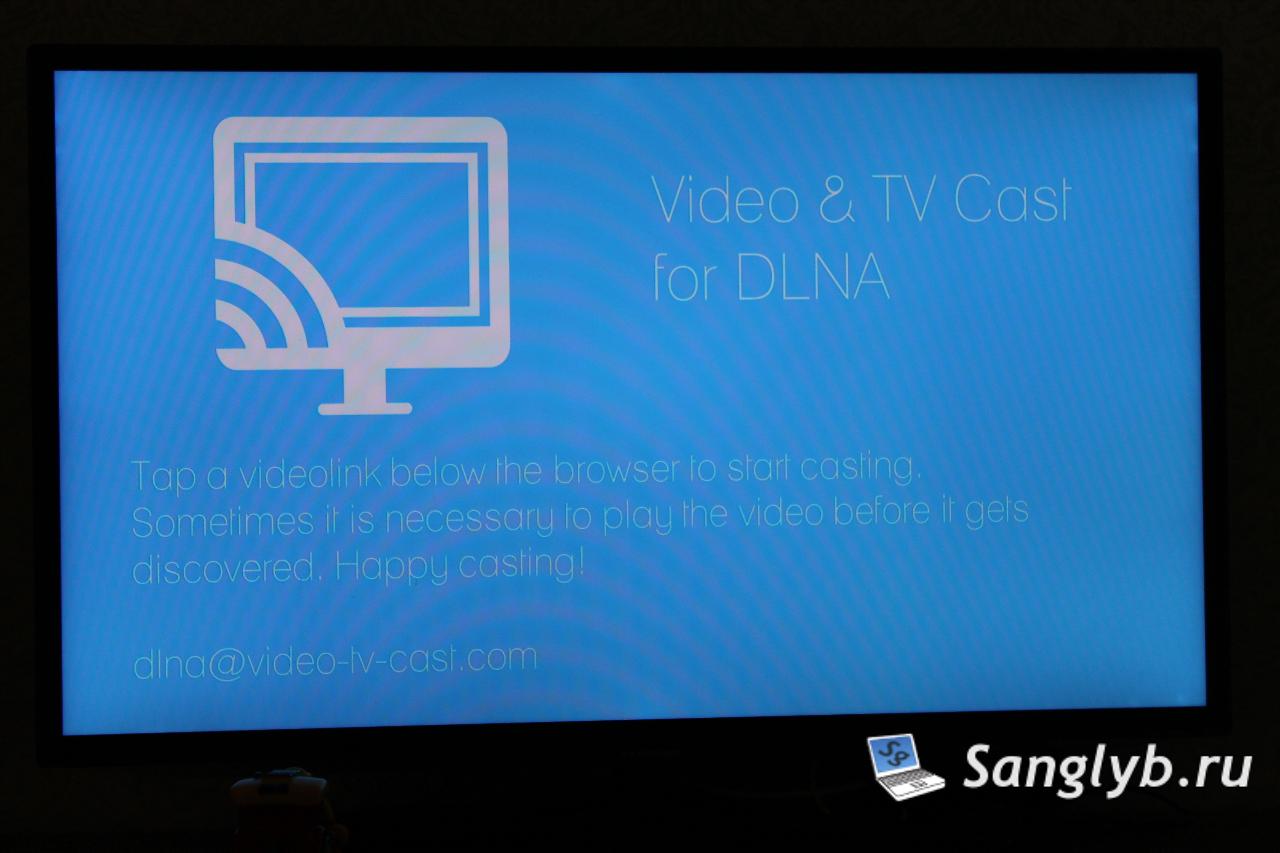
- Launching the App: On opening the app with your TV on, you should receive a smart share permission request on your TV screen.

- Selecting the Right TV: If you have multiple TVs, ensure you select the correct one from the app’s top-right corner options.

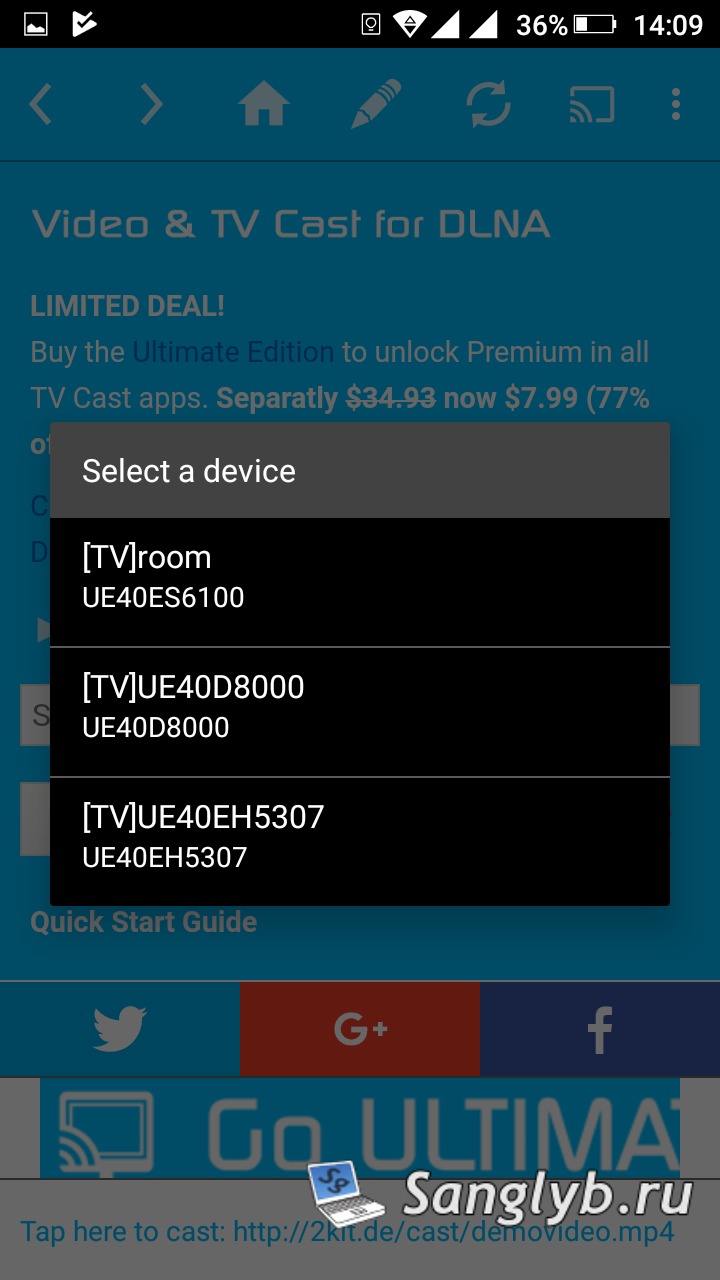
- Test Video Play: A test video should auto-play. If there’s a format warning, retry using the link at the app’s bottom.
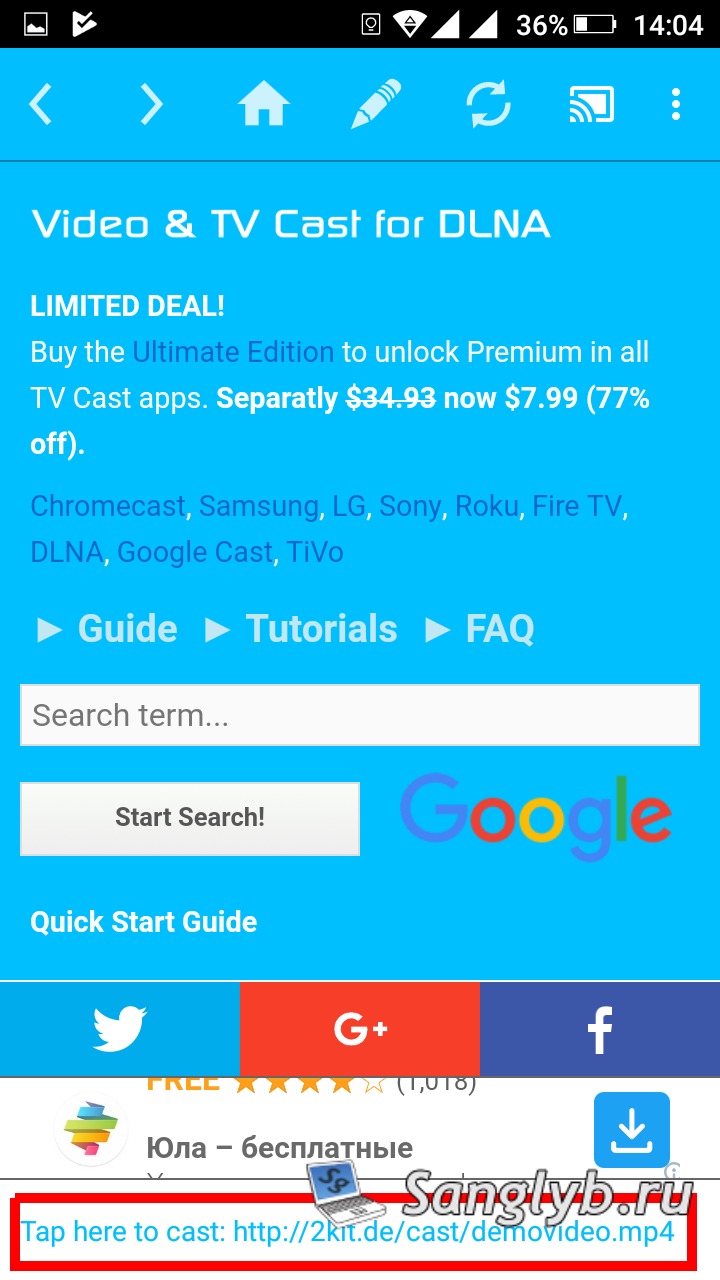
- Using the Search Function: The app comes with a Google-powered search. Type in “YouTube” or any desired term.
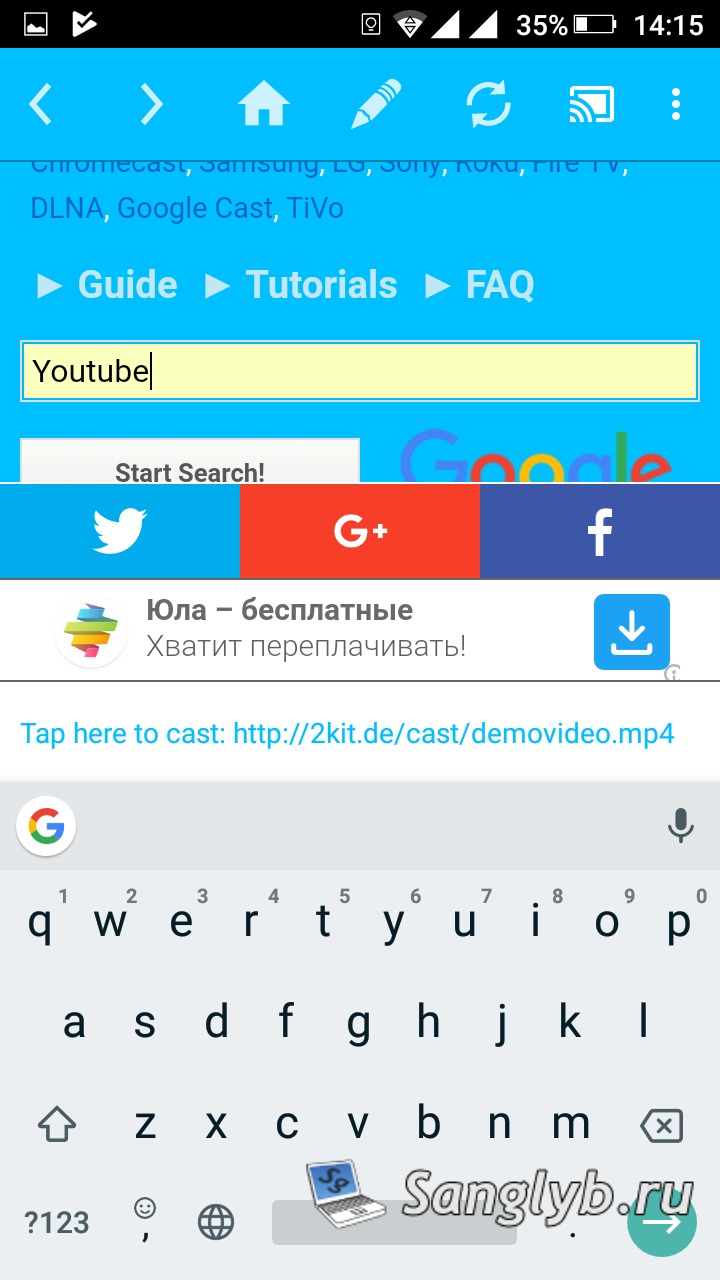
- Navigating YouTube: Once on YouTube’s mobile interface, you can log into your account for a personalized experience.
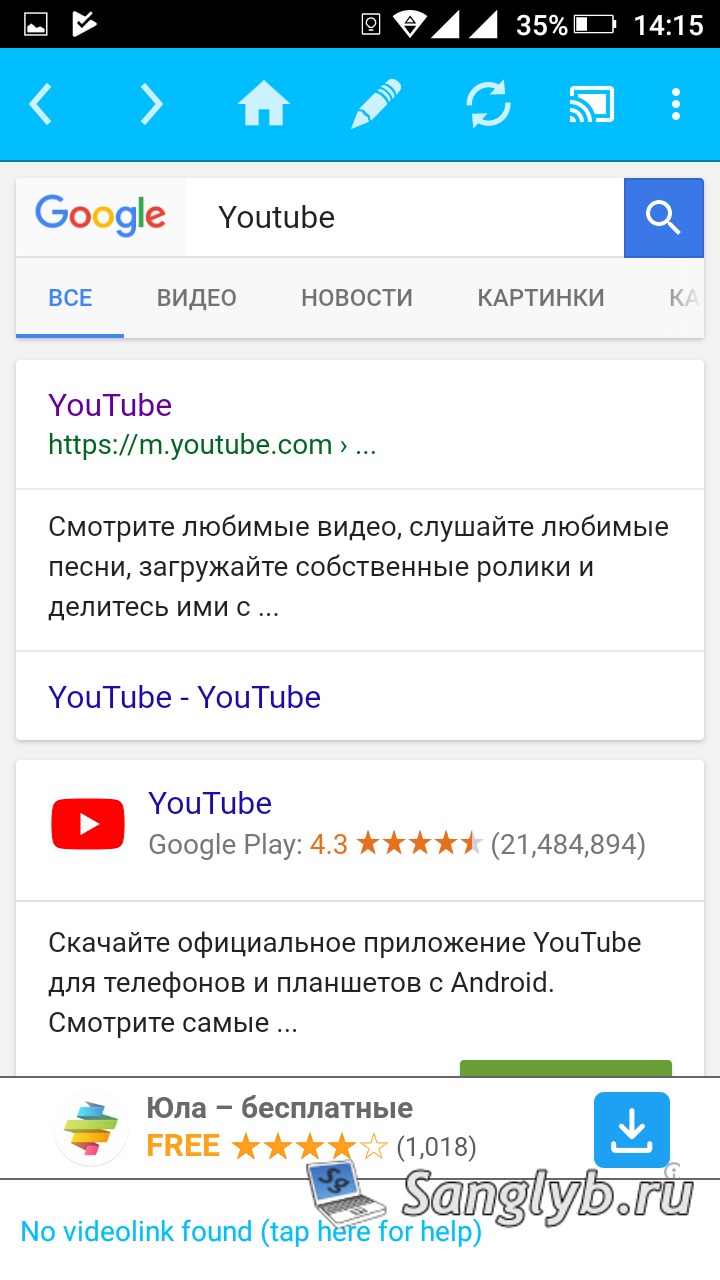
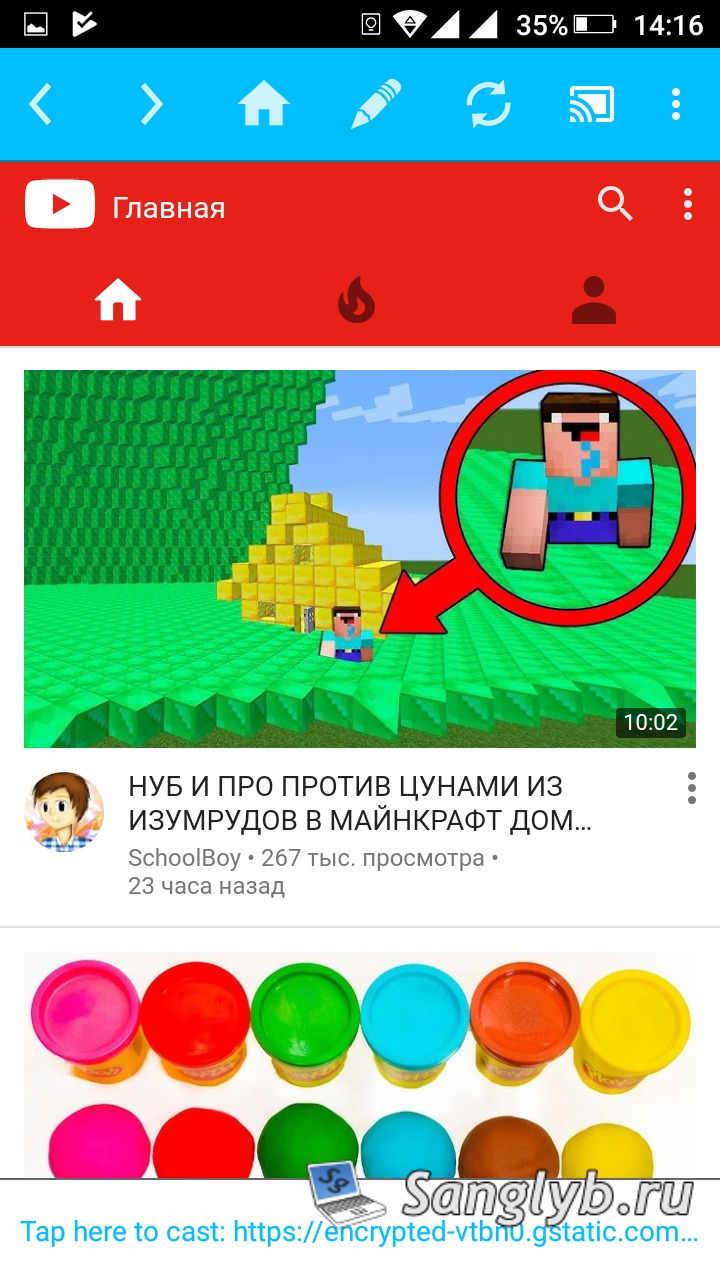
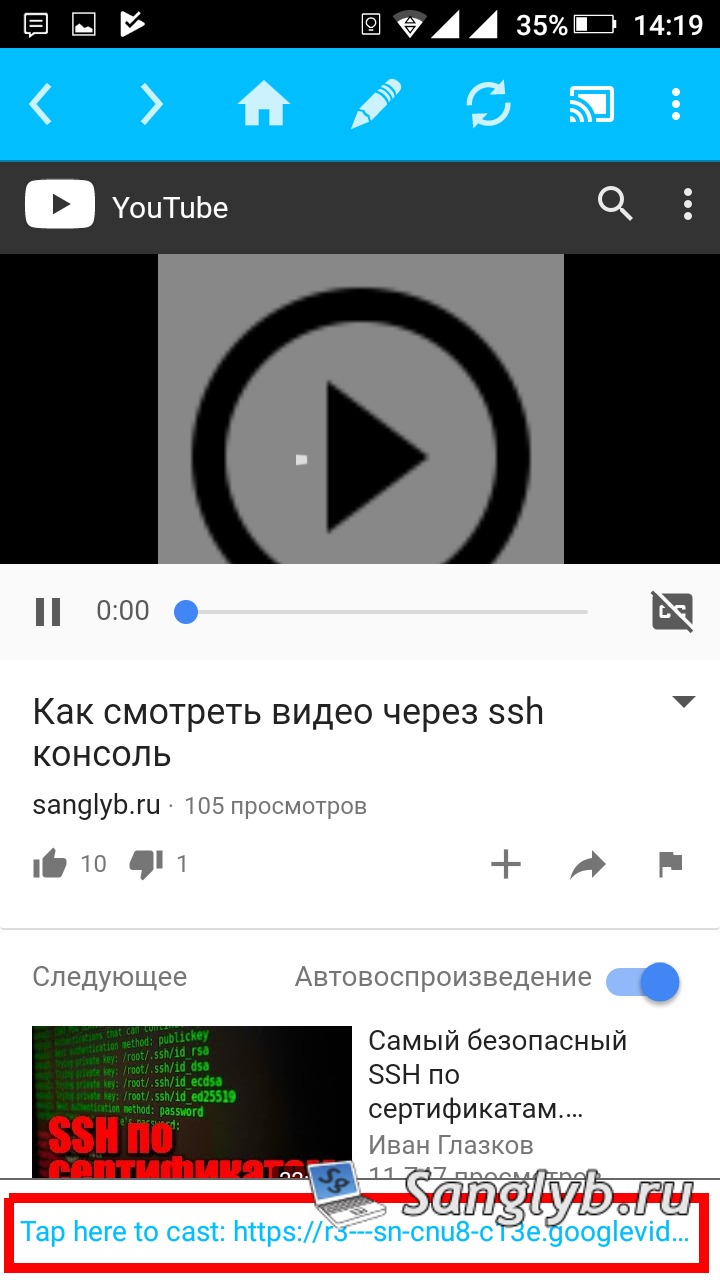
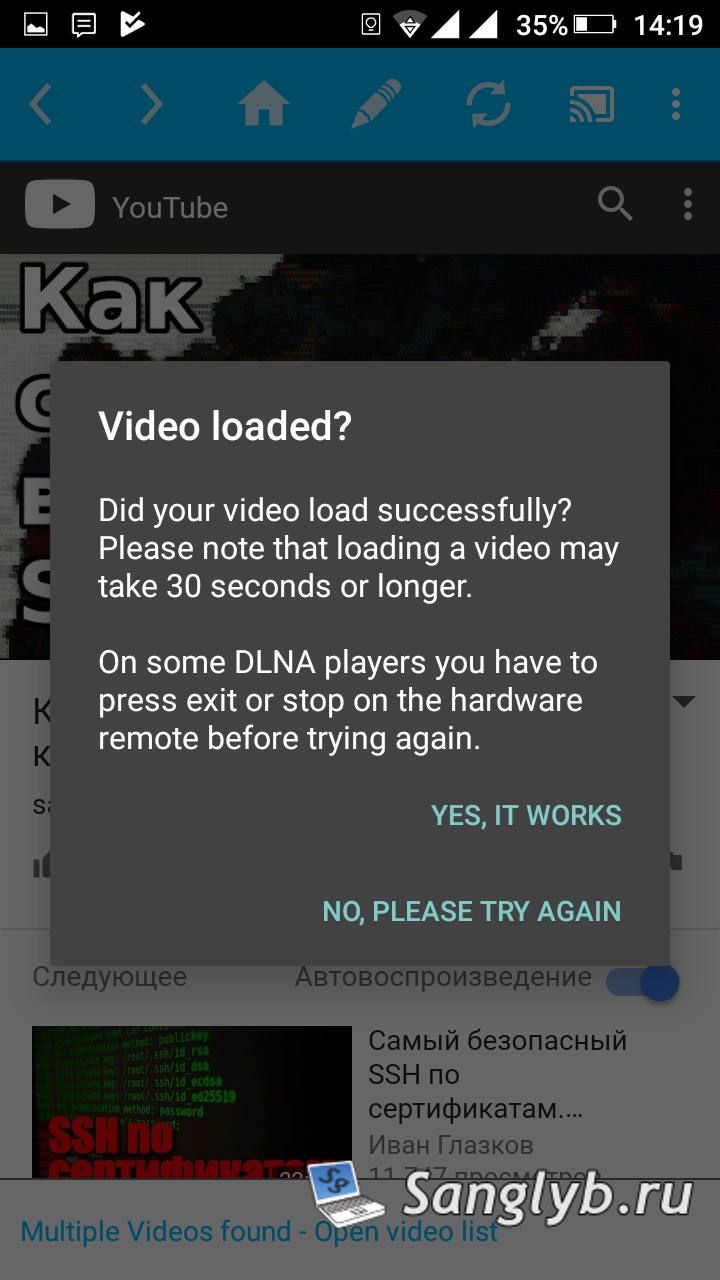
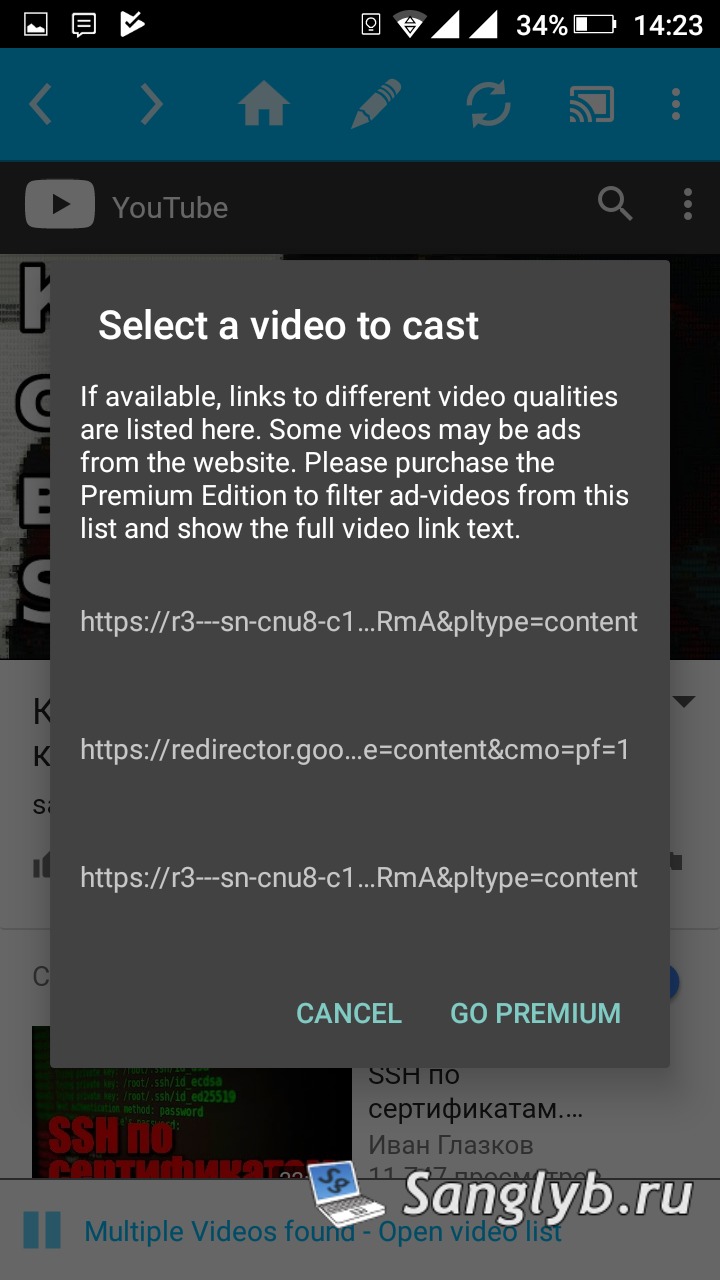
- Streaming to TV: When you play a YouTube video, a link at the screen’s bottom lets you stream directly to your TV. If the video doesn’t stream initially, follow the on-screen prompts to retry.
What If I Want to Limit Access?
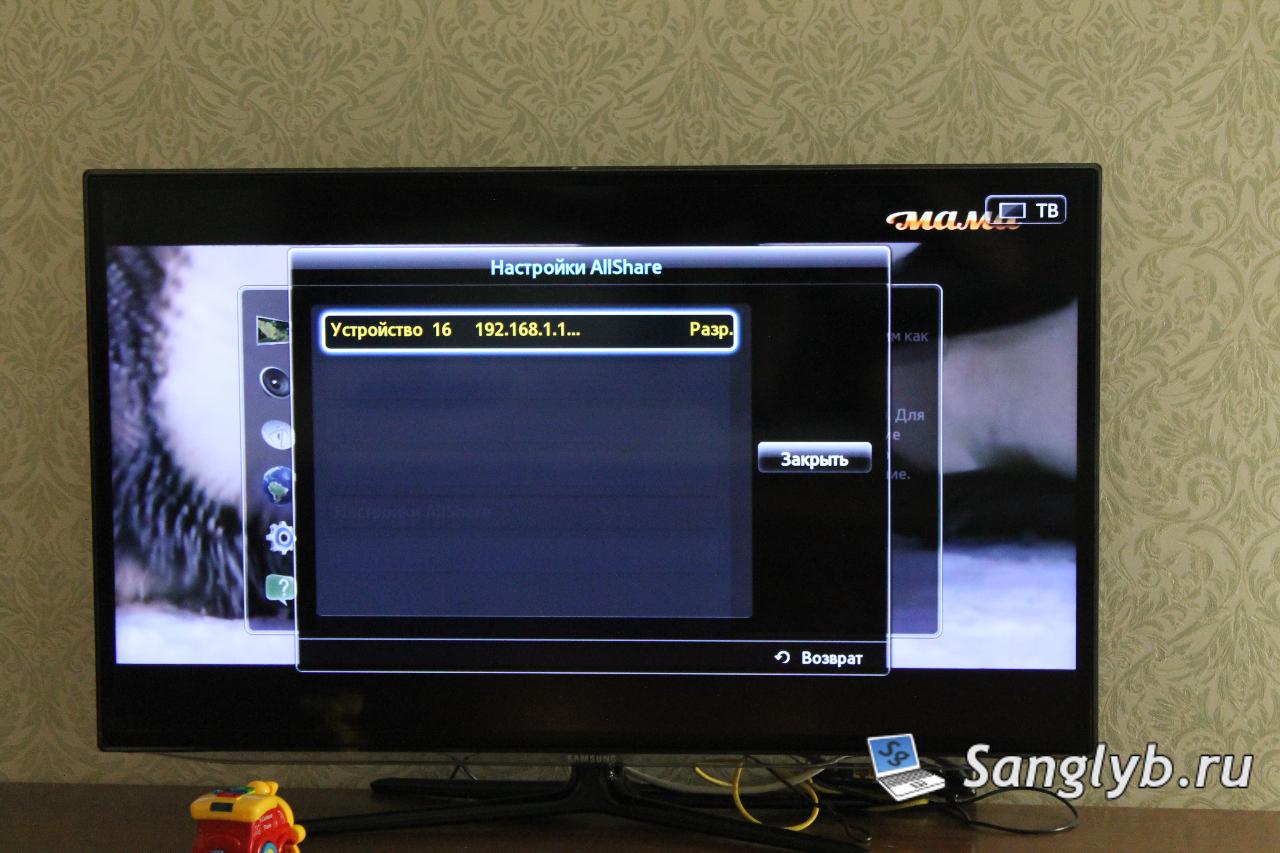
For those using Samsung TVs, you can modify or revoke access:
- Go to TV settings
- Navigate to network
- Enter AllShare settings
- Adjust or deny device access as needed

Final Thoughts
This method is a lifesaver for those who want to get the most out of their older Smart TVs. While it might not be flawless, it’s a solid solution to ensure you don’t miss out on your favorite YouTube videos.