

In this article, I’ll show you how to install phpmyadmin on Ubuntu. Phpmyadmin is a database management tool for MySQL. With it, you can manage databases, user tables, and so on. Even without the knowledge of MySQL. The installation of phpmyadmin is very simple, the requirements for it are set by LAMP: Put this commands…

Ubuntu network setup
Setting up a network in Ubuntu is not a tricky business, but for beginners it can be difficult, today I’ll show you how to configure the network on a freshly installed Ubuntu. I prefer the network manager – networking, it is more flexible in setting up, and it works more fast and more posh. To…
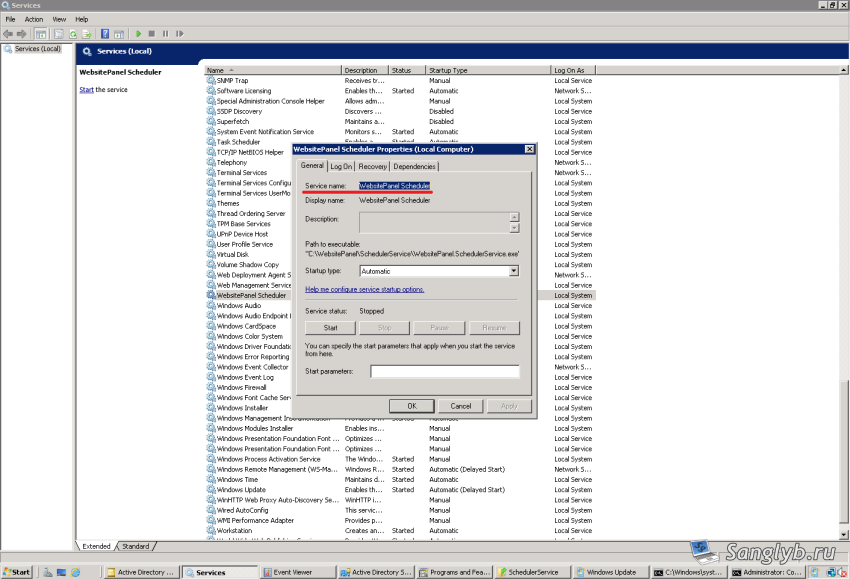
How to remove a service in Windows
Sometimes it is necessary to remove this or that service in Windows OS, for this you need: Start the services.msc snap-in (win + r, type services.msc) and go to the properties of the required service, and see its name. After that, start the command line as administrator and type the command: sc delete "имя_службы"
How to make a shared folder in linux, setting samba
Today I’ll show you how to share folders in Ubuntu for home networks, so that you can go to your folders in linux, for example from a Windows computer. So, let’s start. Install samba: sudo apt-get update sudo apt-get install samba After the samba is installed, you need to fix the config. For this we…

How to disable IPv6 in Ubuntu
I’ve collide here with an incomprehensible situation in Ubuntu, if you turn on the bridge for KVM, if you get an IPv6 address, this IPv6 hangs fast, about once every 5-10 minutes, when the interface is restarted, everything starts to work for 5-10 minutes, then hangs again. In this case, IPv4 continues to work. Routes…
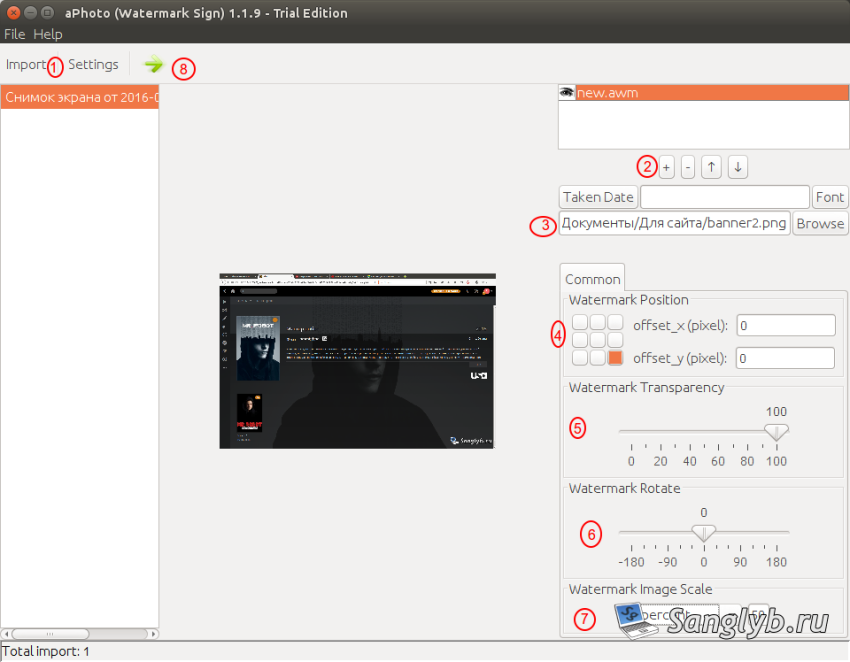
How to add a watermark to images
Sometimes you need to add a watermark to several images. On the Internet, it is often advised to use either macros for Photoshop, or use scripts for Gimp. In fact, adding a watermark to several images can be done with much less effort, without using such monsters to process images. There is a program –…
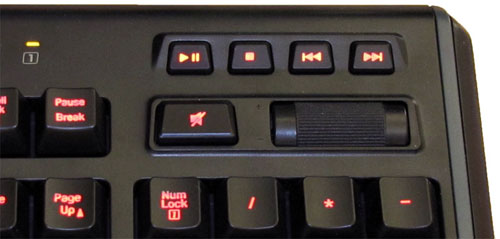
How to control players in the browser with the help of media buttons on the keyboard
I came across an interesting addon for Firefox – media-keys. It allows you to control various players in the browser with the help of media keys on the keyboard, for example, music vkontakte, yandex music, youtube, etc. At what this addon works not only when the window you need to manage is not active, but…

Configuring Plex
In the last article I showed how you can install PlexMediaServer on Ubuntu. Today I will show you how to configure it. Enter the address in the browser – 127.0.0.1:32400/web or, if you are connecting from a remote computer, you need to change 127.0.0.1 to the server address. A window with the license agreement opens,…

How to install Plex media server and add Kinopoisk add-on to Ubuntu
There is such an excellent media server – Plex. The beauty of it is that he knows how to download information about files from such sites as kinopoisk, imdb, etc. Plus, it, unlike many other upnp/dlna servers, has a beautiful and convenient web interface, and you can throw ports and watch your collection of movies…
How to disable UAC in Windows
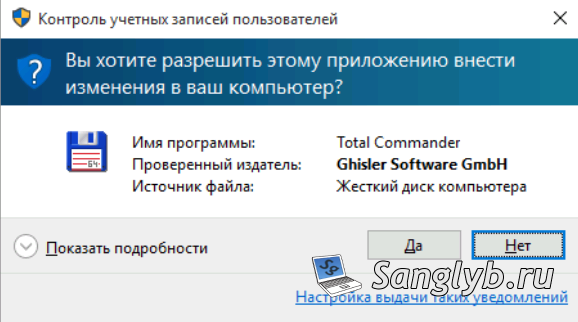
User Account Control (UAC) is when a computer needs administrator rights, it asks the user for permission, it looks something like this: You can disable UAC in several ways: 1) From the control panel: Go to the control panel, go to user accounts In the window that opens, click – change the settings for User…