
Hello. I recently burned USB ports on the test computer. Computer is quite old, there is no desire to buy a motherboard on website of announcements, as it is unclear what it is possible to run into. Update the test computer, and buy a new motherboard, etc. Meaning the same no. As a result, it was decided to buy a USB controller. That in which case it could be used on the main computer, the choice fell on the USB 3.0 controller. And specifically on the VIA VL800. About it will be discussed below.

Complete set and first glance:
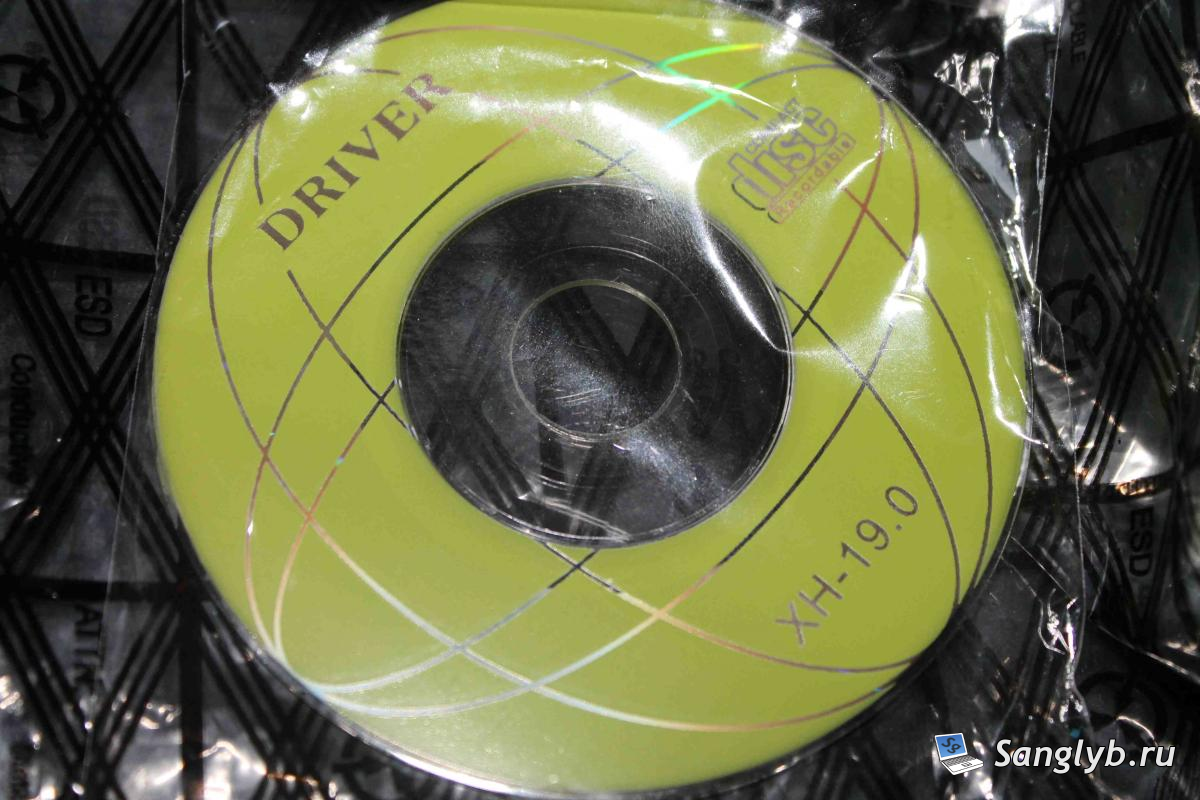
The bundle of this product is very simple – the controller and the driver disk (getting ahead, the disk in general is not needed, in Linux the controller is defined, in Windows – did not check, but according to the reviews the same firewood is automatically pulled up). This good goes in the antistatic package.
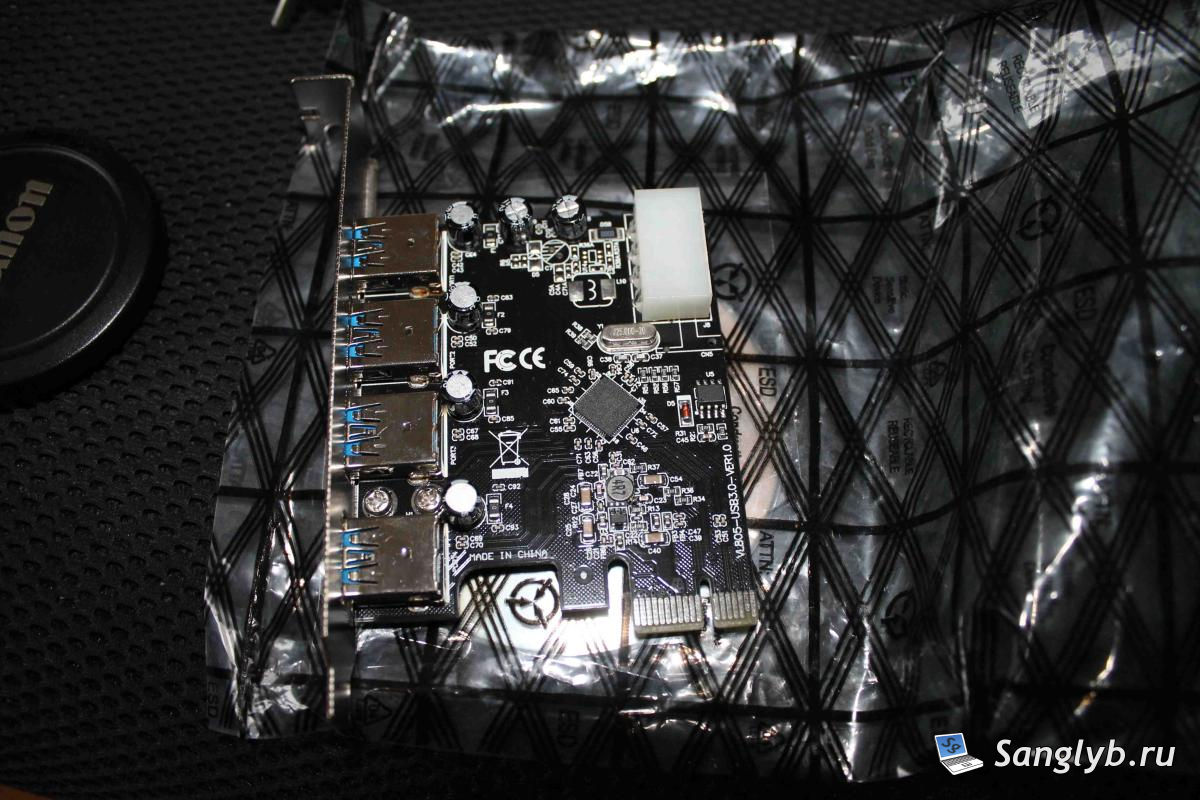
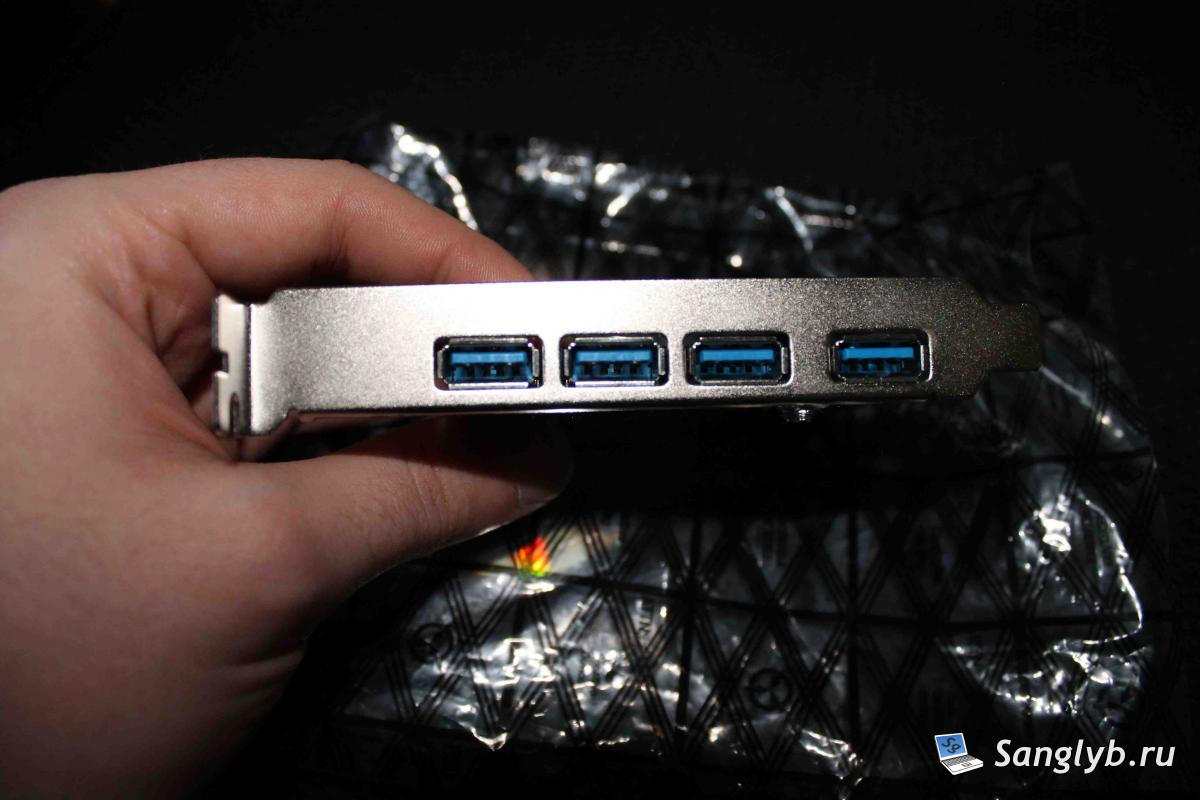
Let us consider the controller itself in more detail. It has USB 3.0 ports – 4pcs. Connector for power supply molex – 1 pc. Thats all, there are no more connectors.
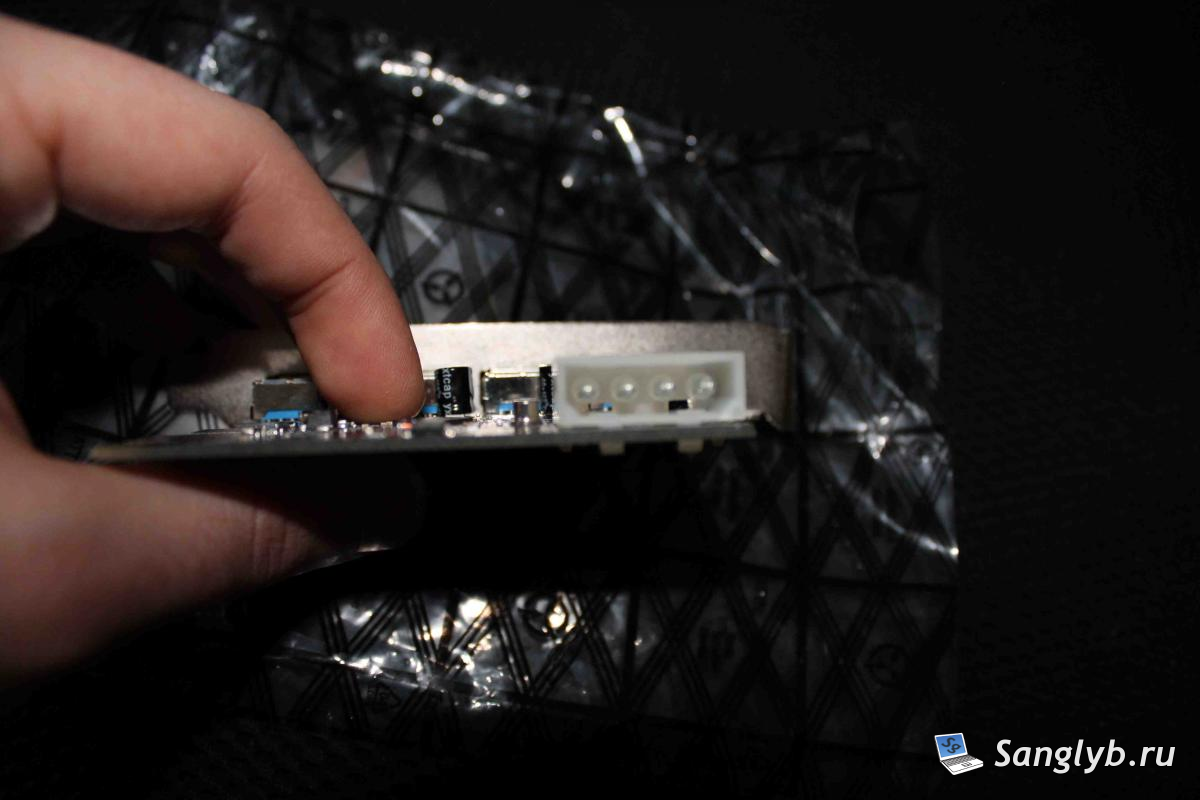
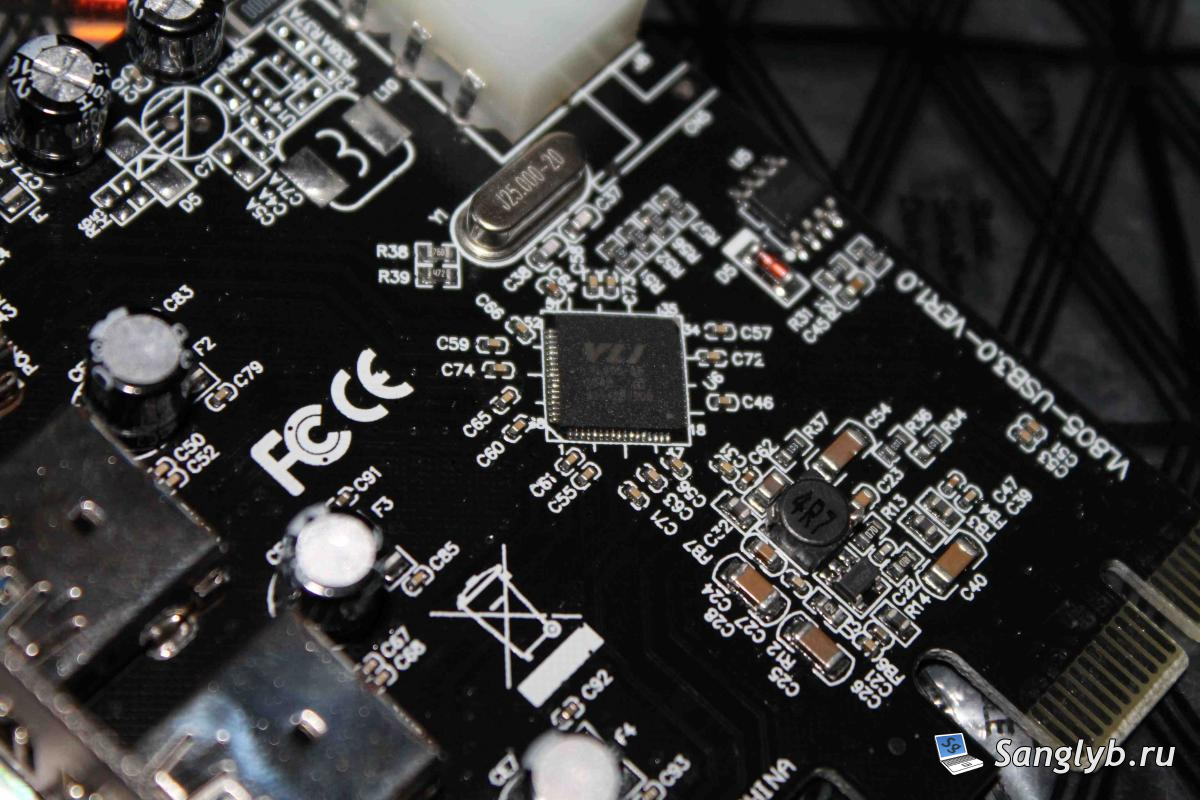
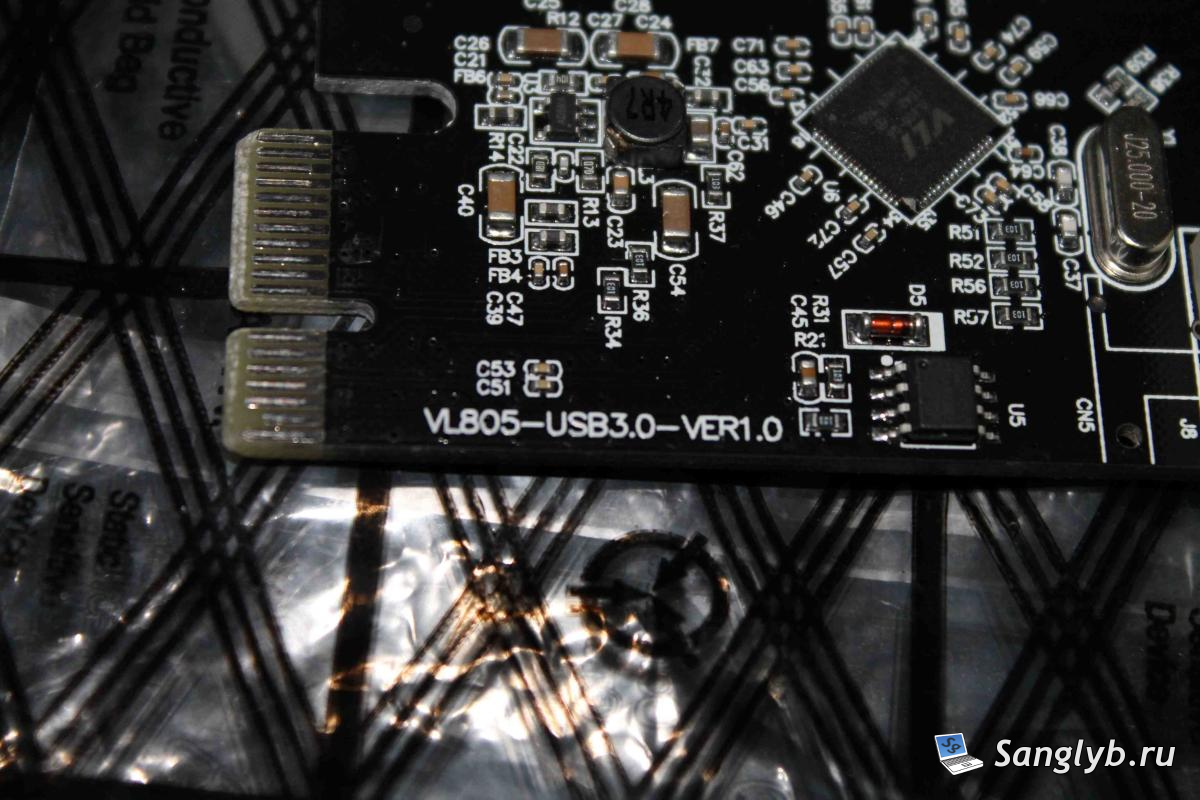
The controller is VLI 805, the marking on the board is VL805.
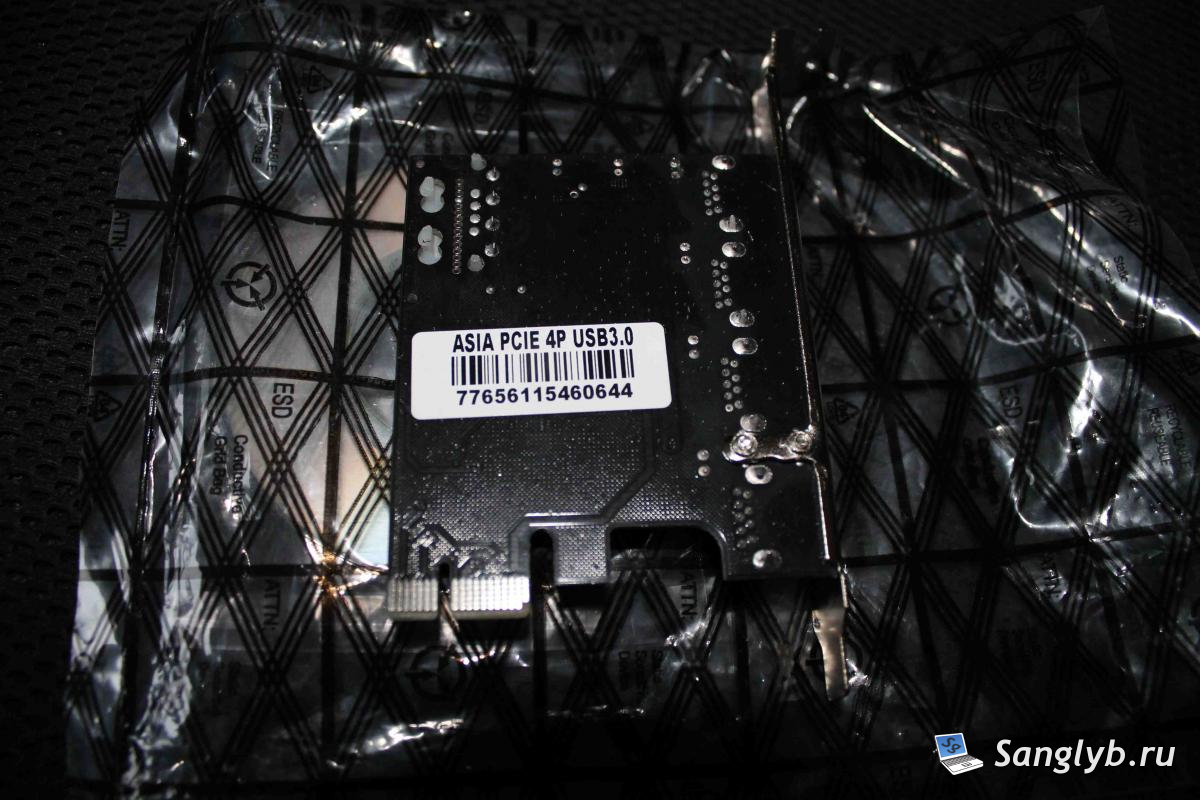
There is a sticker on the back with one more marking.
Feels like – high-quality soldering, at least there is no distortion of details. But the fixing of the cap – it seemed substandard, it was walking with staggering, plus the fixing in fact in one place, though with two screws.
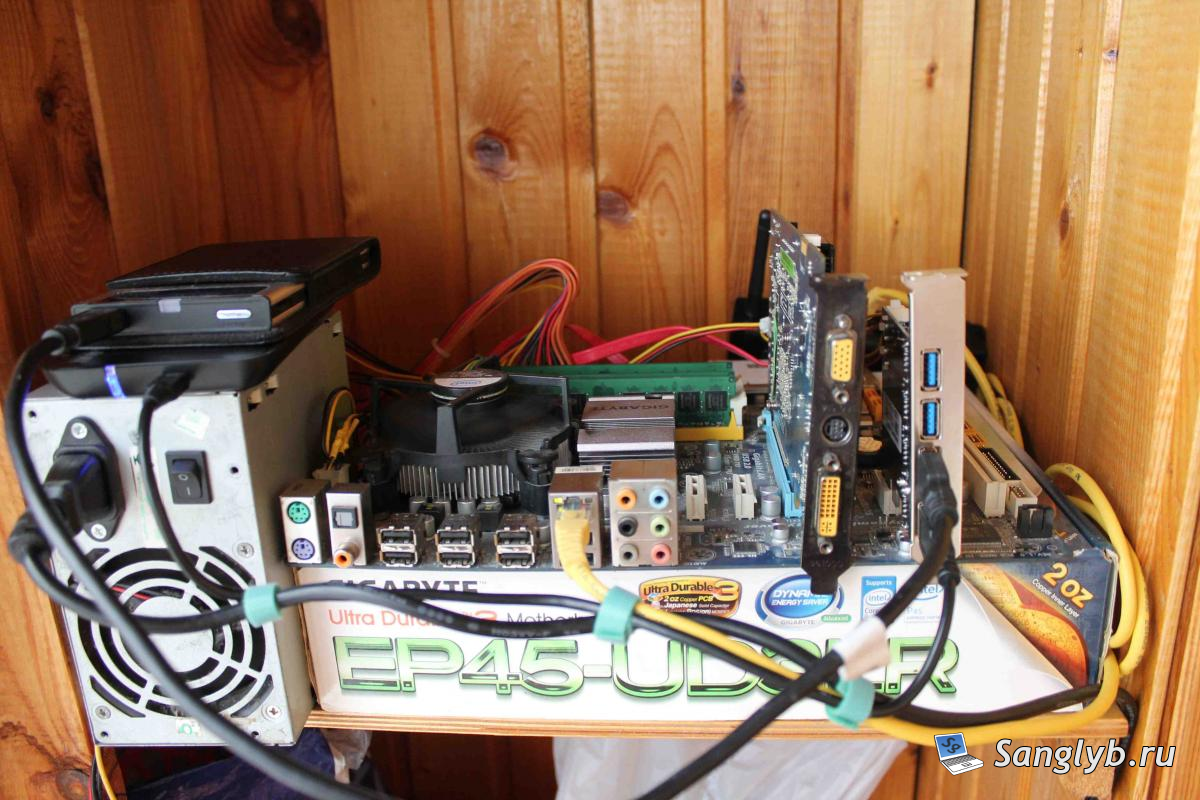
Proceed to assembling the stand. The stand, if it can be called so, consists of – the Pentium E6400 processor, the Motherboard – Gigabyte EP45-UD3LR, 4 GB RAM, the video card – Zotak 8600GT. Disk is something from Hitachi, old, slow, 16GB. OS – ubuntu server 14.04. As subjects – 2 hard drives, one in the usb2 box, the other in the usb3 box.
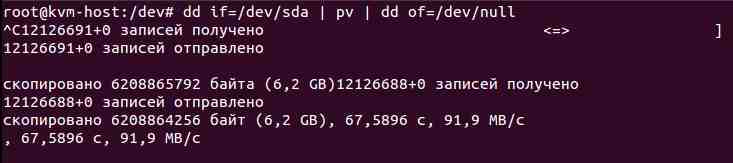
Testing was done in the simplest way, with the help of dd, to evaluate the throughput of the controller. True, most likely, the speed rested on the performance of hard disks, because They are rather slow.
During the assembly, it turned out one nuance, which can for someone to become decisive in choosing a controller. It is determined only in the OS, it is not detected in the BIOS, therefore, for example, the OS can not be installed by connecting a USB flash drive or a disk to this controller.
The controller chip itself also gets pretty hot, I thought it was better to blow it, if there is such an opportunity.
Test results:
Reading from a USB 3.0 drive – an average of 91 MB/s
Reading from a USB 2.0 drive – an average of 33 MB/s

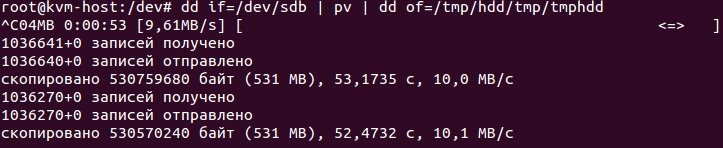
Recording to USB 3.0 disk – an average of 10 MB / s, here it is worth mentioning that this is likely not in the controller, but in the hard drive, or in the box for it. Perhaps it’s in the FS (NTFS for this drive).
Recording to a USB 2.0 drive – an average of 46 MB / s, is not bad for USB 2

The result is that the controller is quite usable and working.
The pluses are:
+ Easy installation, no need to bother with drivers at all
+ 4 usb 3.0 ports
+ Normal write and read speed
By cons are:
– It is not detected before the OS load
– Floppy fastening plugs
And it is not clear where to carry the fact that it is heated, perhaps, I will not be anywhere else, just for information.
You can also see the video review of this board (it is on Russian Language):