
I have the keyboard – Logitech G510s. I’ve spent a lot of time to find out drivers for it for Ubuntu operating system. Actually it works well in Ubuntu, but it is unable to create macros, change LED colors and on LCD there is always G510s lit on the screen. At the same time media buttons works normaly out of the box.
Overall, during search for drivers, or how can it be called… The programm to controll display, colors and macros, I tried several different programms, and only one is working perfectly.
Some time ago there was the project – gnome15. It was well enough, but unfortunately there is no more development on it. Last updates were in 2012, and in our time is very difficult to resolve dependency problems, because of very old versions of packets in dependencies, and gnome15 can be installed only from the source code.
After it, or may be at the same time new project appeared – g15daemon, I think that it is based on gnome15 sources. Out of the box it does not recognizes Logitech G510s, but there are additional libraries – libg15, which allow that daemon to see the keyboard, and you can controll your macros, LED backlight and LCD but there are some big buts… 1) after you install those goods, your media buttons will stop working. 2) It does not have GUI, and if you want to change something you must edit configs. 3) Libraries must be compiled by hand, there are no precompiled versions. Actualy there is no big problem to change configs or to compile libraries, but not working media buttons made me refuse to use g15daemon.
For a long time of finding a solution, and to be honest, in despair, I found the project which calles g510s, it is based on g15daemon, but it has a gui and all keyboard functions working perfectly. Also the project is actively developing, recently there were updates (at the time that post was writen). And also it is working with g15daemon addons, for example with plugins for display.
To install it you should add third party repositories, update base and actually install the programm. For that, type in terminal:
sudo add-apt-repository ppa:vivnet/g510s
sudo apt-get update
sudo apt-get install g510s
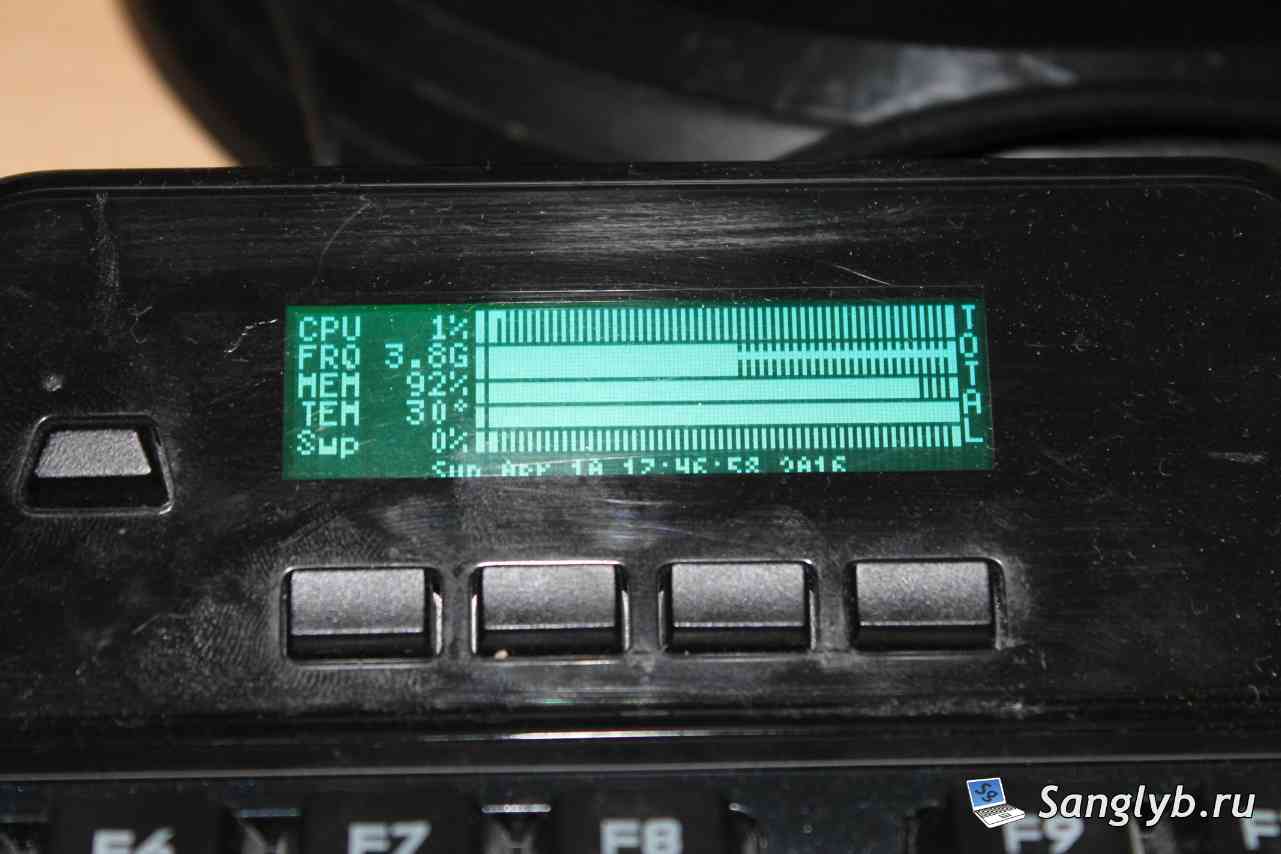
Also let’s install the plugin for display, which will show system performace information:
sudo apt-get install g15stats
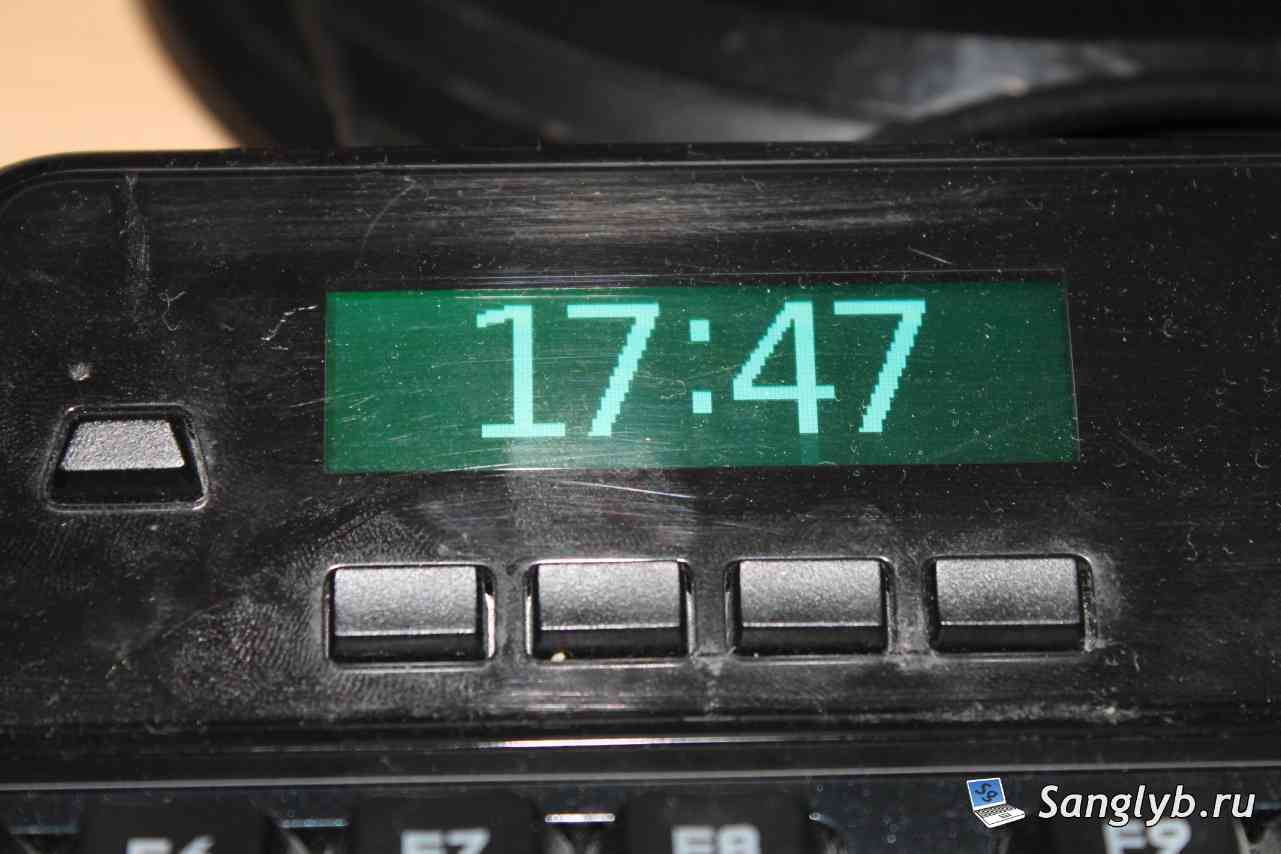
It will looks like that, and also let me show you how watch will look.
Also if ypu want to programm G buttons for keyboard shortcuts, you must install xdotool:
sudo apt-get install xdotoolActually everethyng that is needed is installed. G510s is adding itself to autoload. And on system startup it will start with the system. Also you can start it with command – g510s. After programm window is closed, it stays wroking on background and can be seen at system tray.

Lets quickly take a look at settings:
Here are 4 profiles available, they are for M buttons. For every profile you can set is own LCD color and macros for G-buttons.
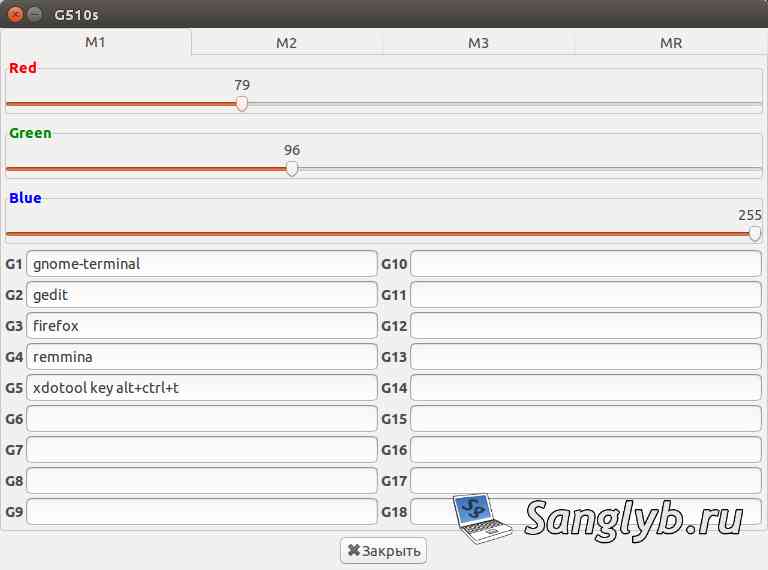
Backligt can be changed with RGB sliders.
Macros can be set with commands or keys combinations (if you installed xdotool). Example of combination – xdotool key alt+ctrl+t.
Tere is the checkbox in settings to start the programm minimized.
After changes were made you mast to press save button (file -> save). Or changes will be lost after reboot.
To start g15stats at the same time as g510s you should change autostart parameters of g510s and create the script of starting those programms. It should be something like that:
g510s & sleep 8s && g15statsBecause g15stats depends from g510s it must be started only after the second one. For that we are starting g510s, then waiting for 8 seconds and starting g15stats. In the case of your system performance yoy may have to set more or less time for timeout. After that set rights to execute the script.
sudo chmod 775 g510s.shNow lets add that script to autostart. Find in apps searh – Startup Applications.
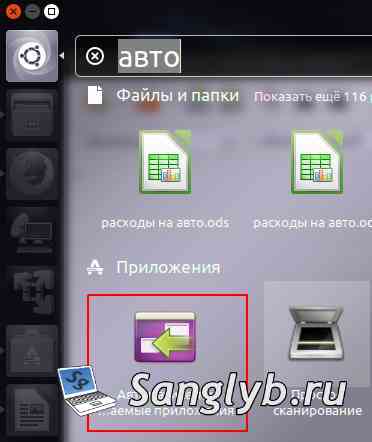
Remote from list g510s and set the path to our script.
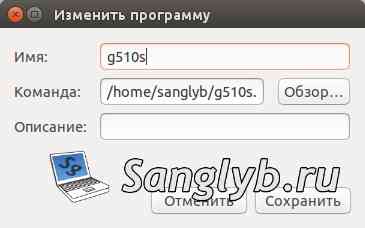
Thats all. Now your Logitech G510s keybard can work with full its functions on your Ubuntu system. You now can chage color of backlight, set macros for G buttons, and set the LCD.
Is it possible for you to update http://ppa.launchpadcontent.net/vivnet/g510s/ubuntu/dists/ for noble also? Right now it is impossible to install these in 24.04. Thanks